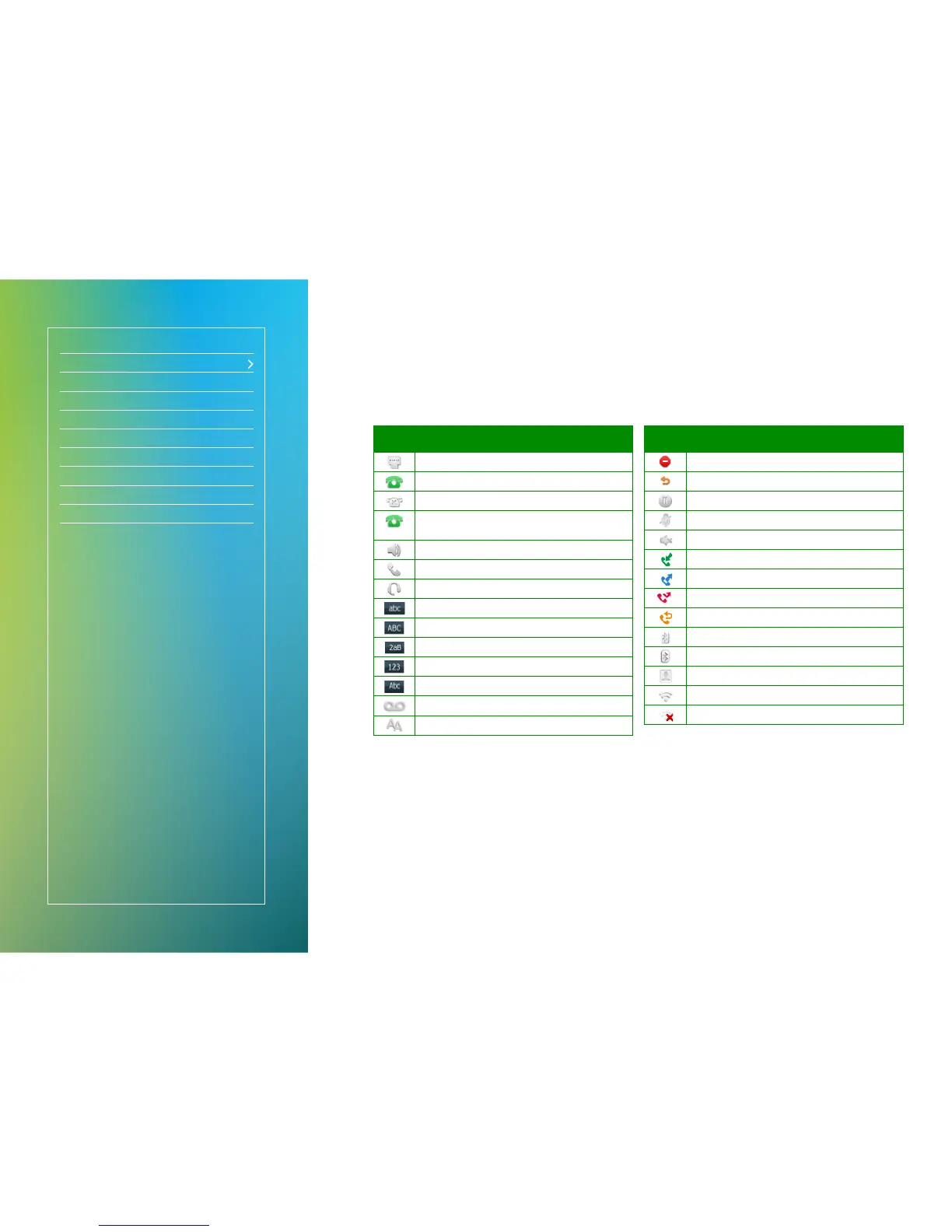
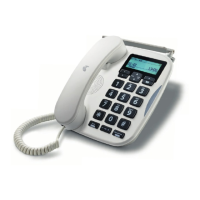
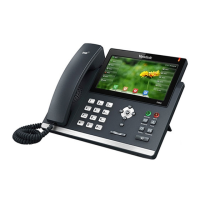
Handset legend
Icon Description
Network is unavailable
Registered successfully
Register failed
(Flashing)
Registering
Hands-free speakerphone mode
Handset mode
Headset mode
Multi-lingual lowercase letters input mode
Multi-lingual uppercase letters input mode
Alphanumeric input mode
Numeric input mode
Multi-lingual uppercase and lowercase letters input mode
Voice Mail
Auto Answer
Icon Description
Do Not Disturb
Call Forward
Call Hold
Call Mute
Ringer volume is 0
Received Calls
Placed Calls
Missed Calls
Forwarded Calls
Bluetooth mode is on
Bluetooth headset is both paired and connected
The default caller photo and contact icon
Wi-Fi connection is successful
No Wi-Fi connection


 To Next Page