9
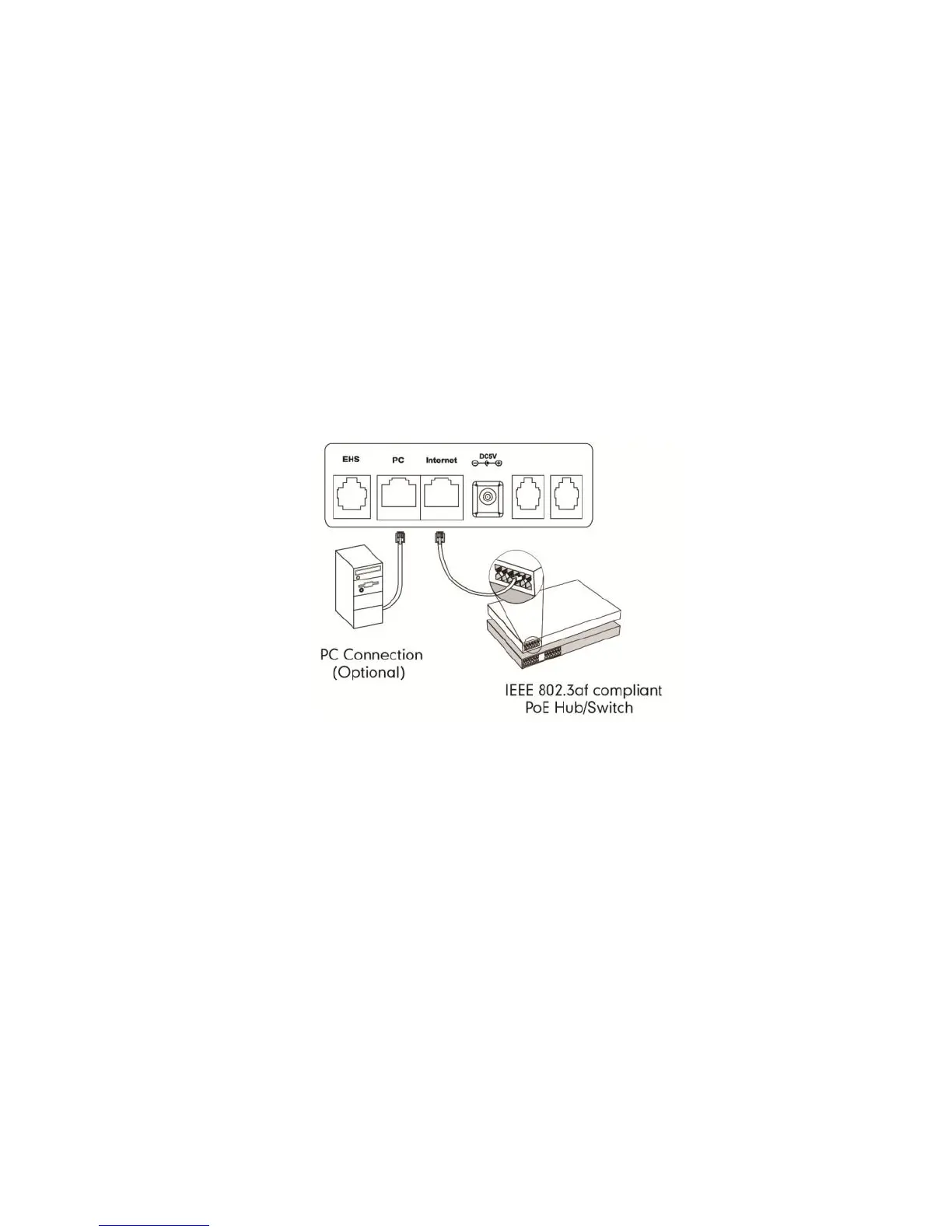
Fig 5
Connect via Power Over Ethernet (PoE):
Connect the Ethernet cable to the Internet port on the back of the
phone and an available Ethernet port on a compatible DOT router /
switch* (Fig 5).
Optional – PC Connection:
Connect one end of the second Ethernet cable to the LAN port
on the user’s PC and the other end to the PC port on the phone.
(Fig 5).
* DOT-powered switches are available for purchase, if there are insufficient
Ethernet ports on your DOT router to connect all your devices.



 To Next Page