13
BLUETOOTH
CONNECTIVITY
A Bluetooth-enabled mobile phone or wireless headset can be paired to
the Telstra T48G IP phone – this allows you answer calls on your
headset and mobile around the office.
1. Pair and Connect a Bluetooth Device
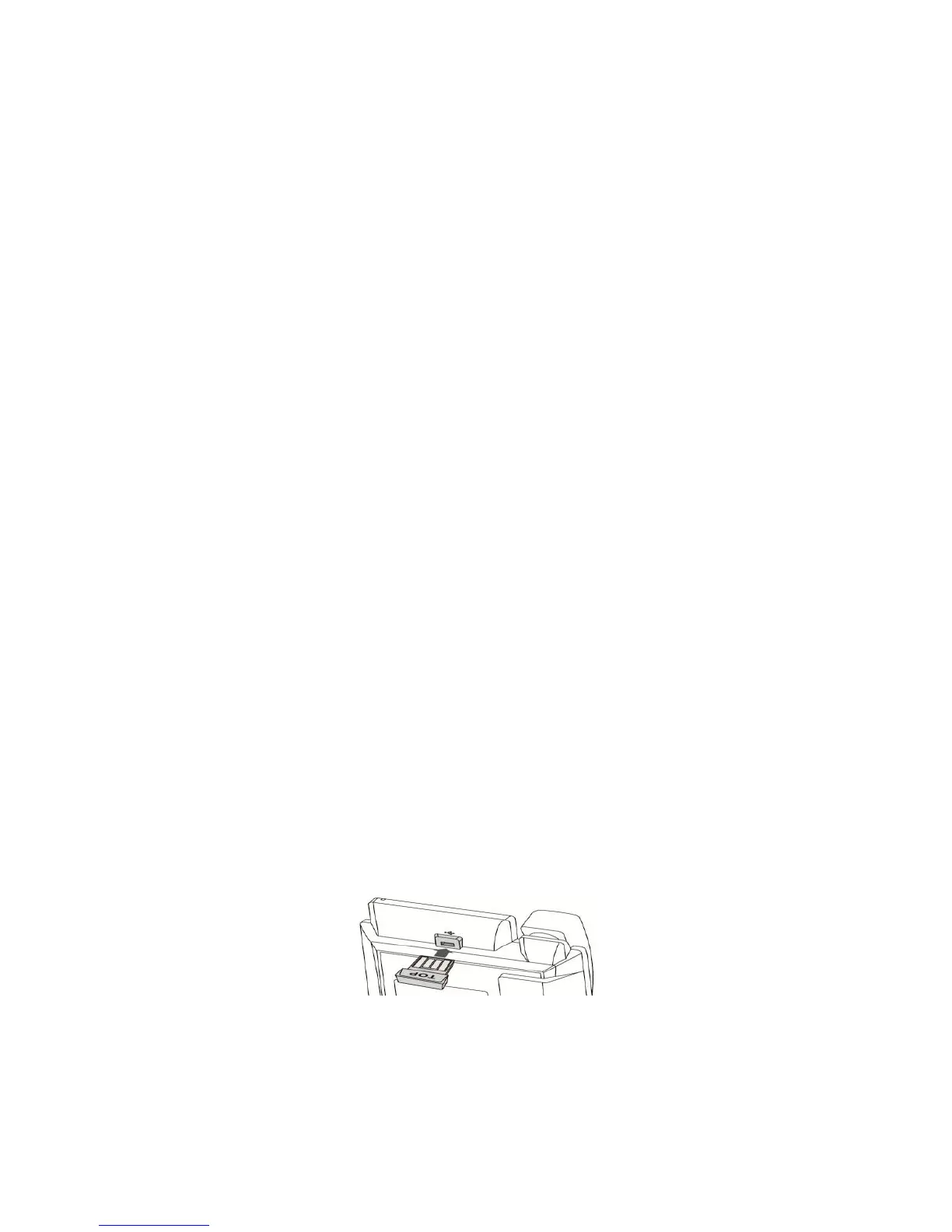
Fig 8
When phone is in idle state, connect the Bluetooth dongle into the
USB port on the back of the phone (Fig 8).



 To Next Page