14
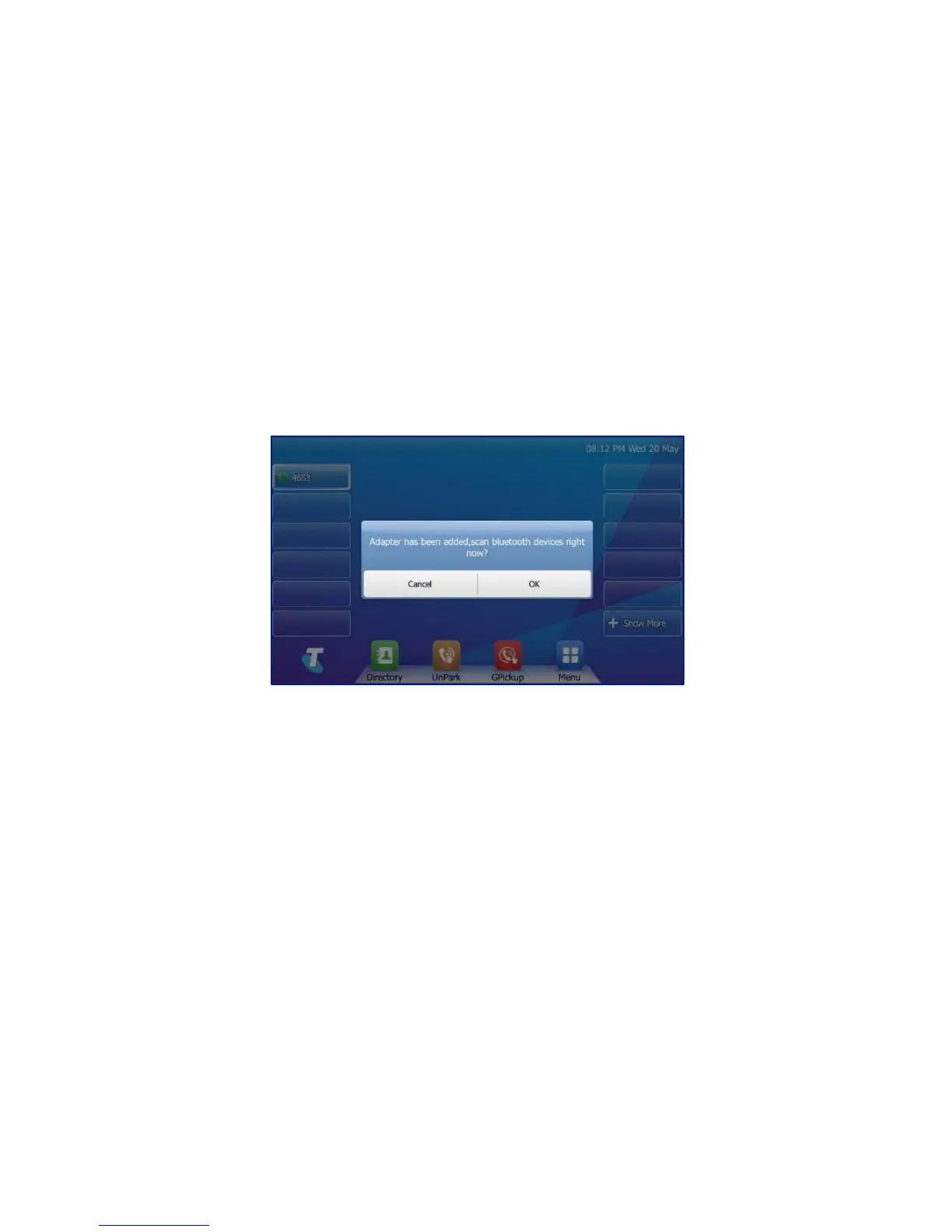
Fig 9
You will be prompted (Fig 9):
“Adapter has been added, scan bluetooth devices right now?”
Select “OK”.
The IP phone will automatically scan for available Bluetooth
devices; these will be displayed on the touch screen.
Tap the desired Bluetooth device.
Enter the PIN in the Password field.
Tap the OK soft key to connect your phone and Bluetooth
headset.



 To Next Page