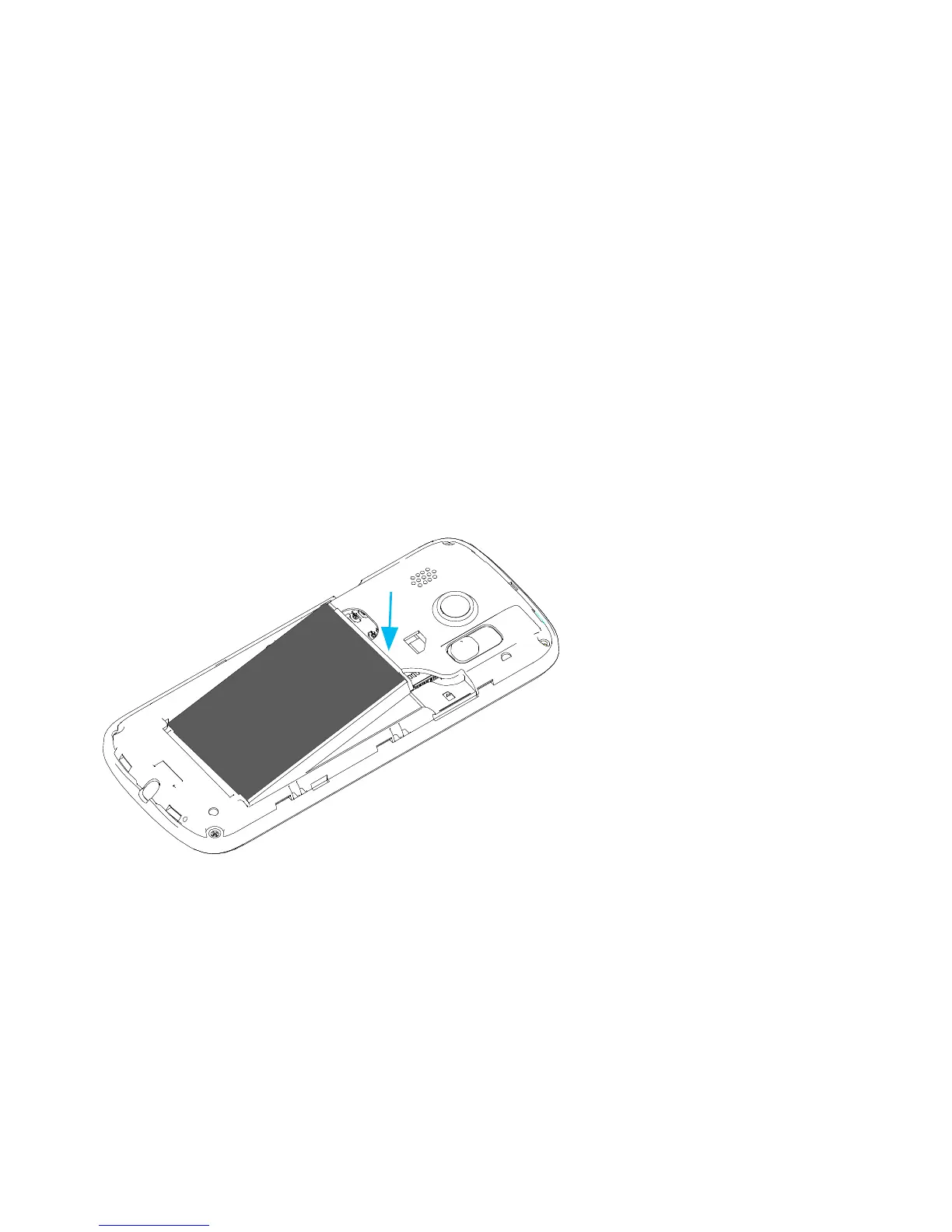
2. INSERT THE BATTERY
Ensure the gold tabs on the battery are aligned with
the gold pins in the battery compartment. Gently
push down on the battery until it clicks into place.
3. SWITCH ON YOUR TELSTRA T96
Press and hold the red power key for three seconds to
switch the mobile phone on and off.



 To Next Page