GETTING
CONNECTED
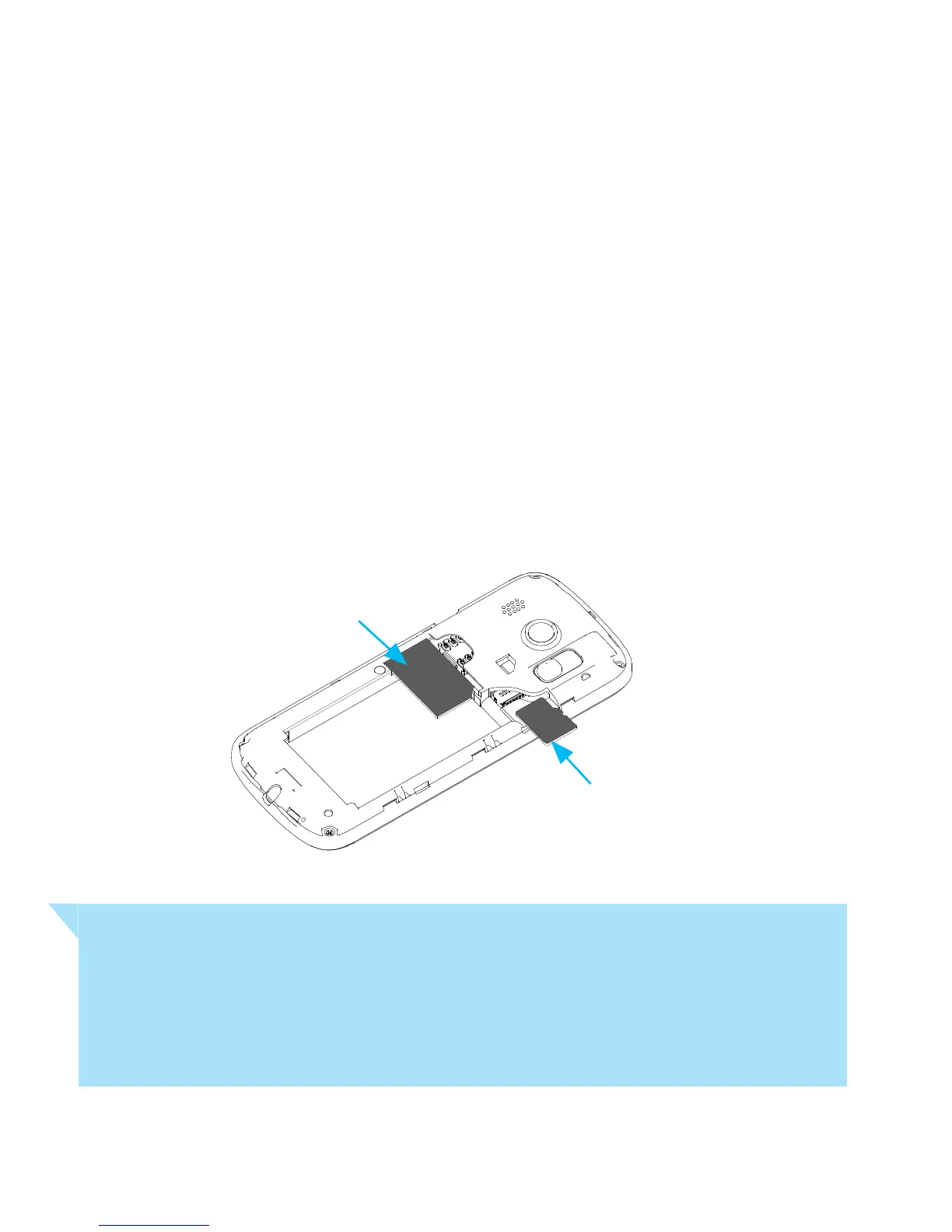
1. INSERT SIM CARD
• Remove back cover using the thumb catch on the
bottom left corner of the handset and gently lift off.
• Insert the SIM card with the gold chip facing down and
the slanted edge on the top right as shown.
Handy Hint
You can purchase a microSD memory card to expand
the memory. This device can support up to 32GB
microSD cards.



 To Next Page