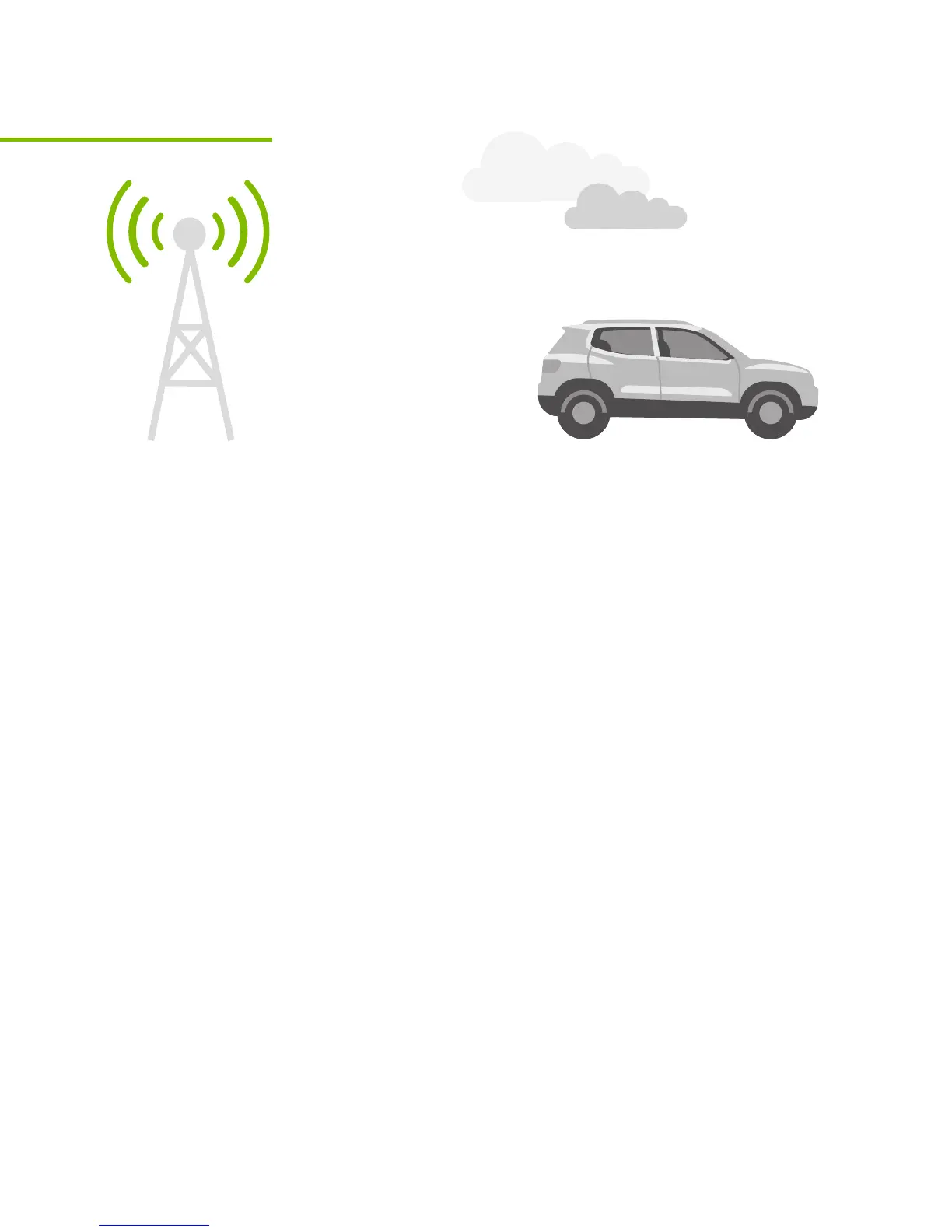
Go for a drive
Drive your car for 10 minutes to finish setting
up your device. The device needs to establish a
cellular connection and generate a GPS lock.
The TELUS Drive+ app will notify you once
a successful connection is established. Your
phone does not need to be turned on and the
app does not need to be open to establish a
connection.
Distracted driving is never okay. Do not use
your phone while driving.
Important: Do not unplug the TELUS Drive+
device within the first 24 hours after installation.
Step 8



 To Next Page