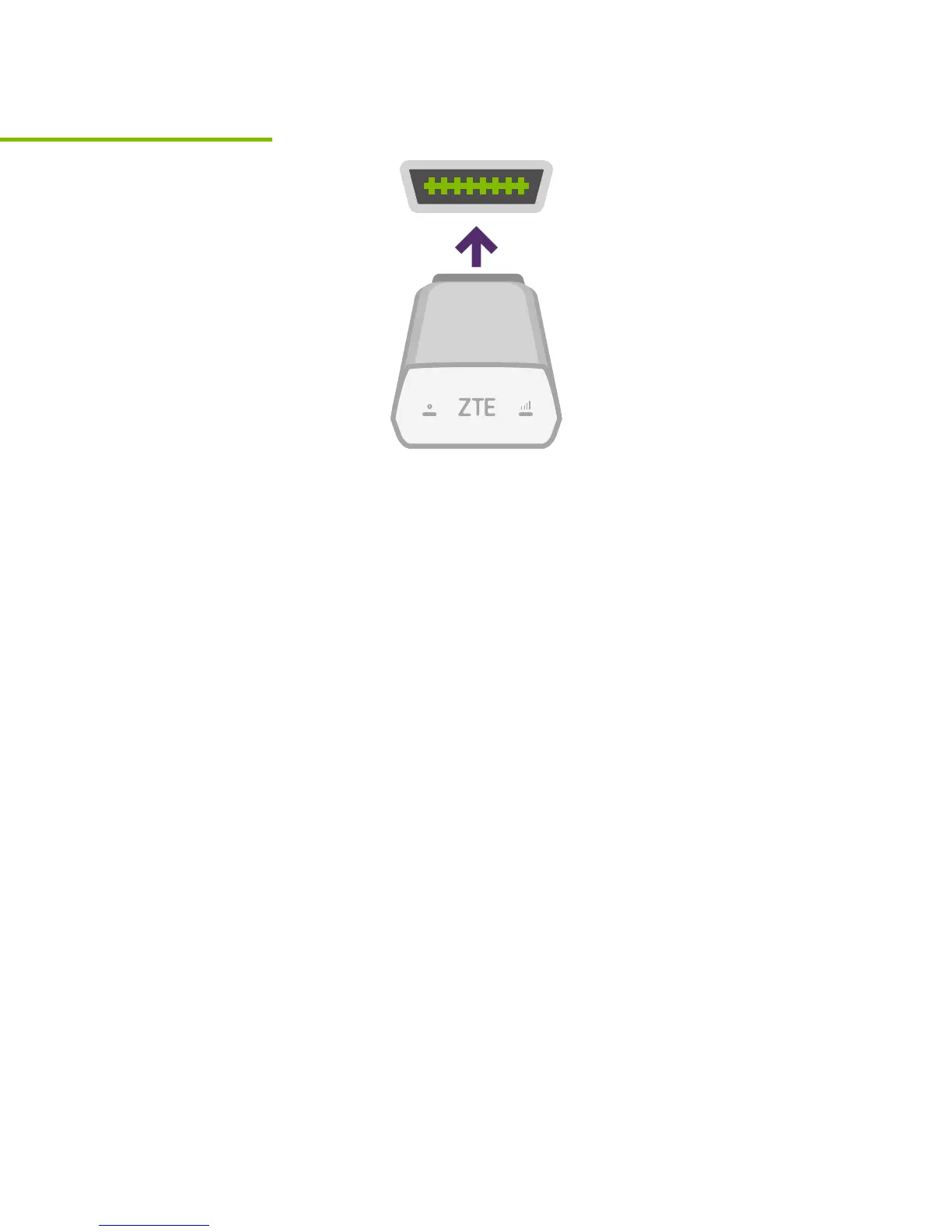
Install your device
Now that you’ve found your OBD-II port, you
are ready to install the TELUS Drive+ device.
Align the device with your port and firmly plug it
in. The device should fit snugly.
Tip: Never install your device in an underground
parking lot or in an area with weak cellular
coverage. The device needs to establish its
first connection to the network to complete the
setup. Only plug in or unplug the device with
the vehicle turned off.
Step 7



 To Next Page