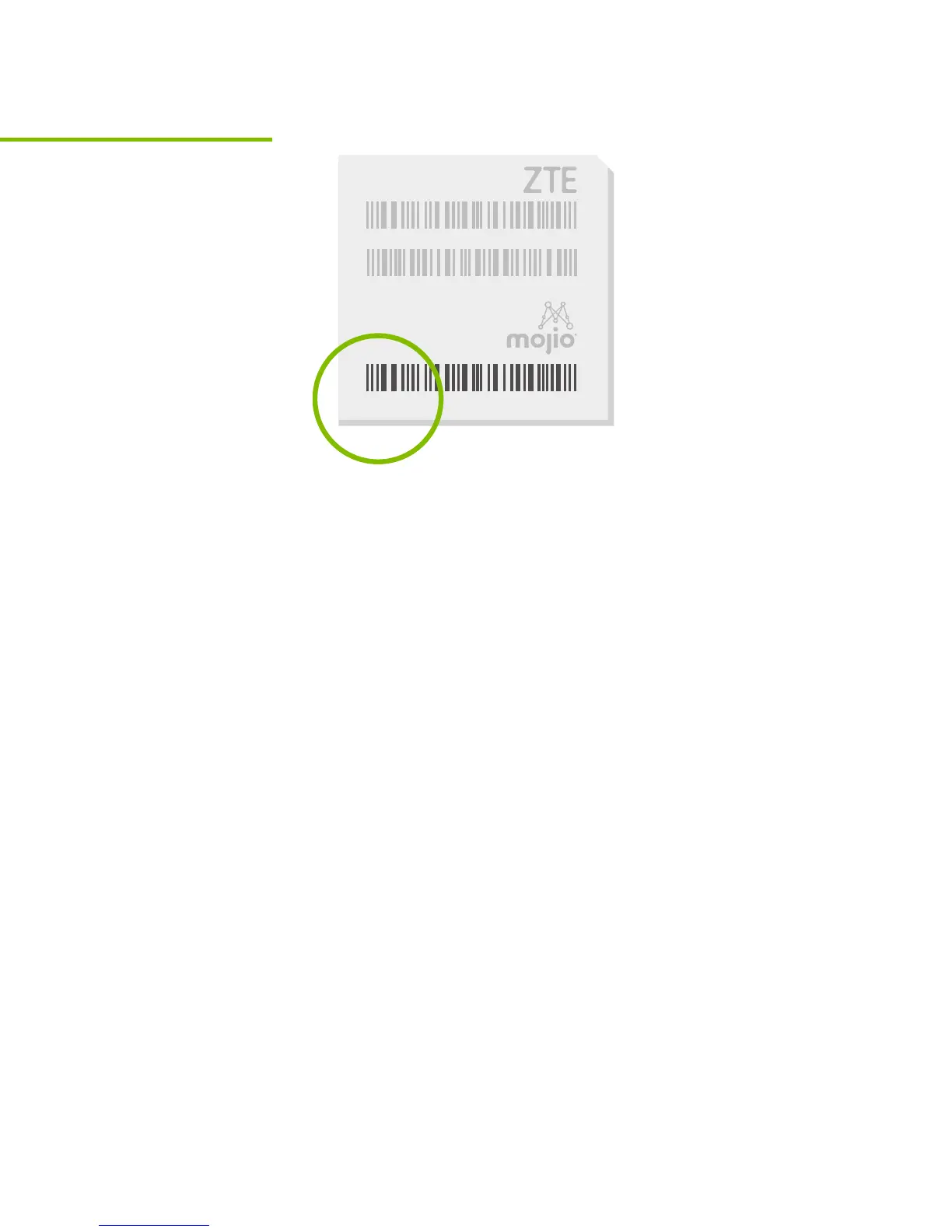
Scan the IMEI barcode
Every TELUS Drive+ device has a unique
15-digit code called the IMEI. The IMEI is
shown as a barcode on a sticker on the device
and also on the included Wi-Fi hotspot card.
When prompted, use the TELUS Drive+ app to
scan the IMEI barcode or enter the IMEI code
manually.
Tip: Do not plug the device into your car until
prompted to do so by the app (step 7).
IMEI:000000000000000
WIFI MAC:XXXXXXXXX
S/N:XXXXXXXXX
SSID:XXXXXXXXXX
Password:XXXXXXXX
H/W:XXXXXXX
DATE:MM/YYYY
Model: ZX000
FCC ID: 000-ZX000
Step 5



 To Next Page