6
DIN, SAE or CA (MCA).
The code relating to the standard or the value
CA (MCA) is usually marked on the battery
itself.
Press “Enter” to conrm.
Select CCA or CA value
- Use cursors Λ V to set the value CCA or CA
specied on the battery by the manufacturer.
NOTE:
CCA = Cold Cranking Amps, is the start-up cold
current.
Value CCA is stated in Amps by the
manufacturer and is usually marked on the
battery itself: e.g. 520A (EN).
CA = Cranking Amps or MCA (Marine Cranking
Amps), is the start-up current according to the
“Battery Council International” standard.
Testing of the battery
- Press “Enter ” to begin the test: caption “TEST”
is displayed.
NOTE:
The device’s display could show message
“CHA-“ to enquire whether the battery was
charged or not: press “Enter ” and select the
replyYES/NObymeansofcursorsΛV.Press
“Enter”againtoconrm.
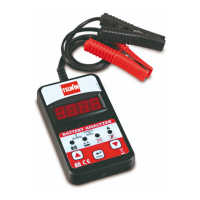
- Once the test has been completed, the display
shows the effective start current in amps (A) and
the outcome of the test through the switching on
of leds (Fig. A-2) with the following meaning:
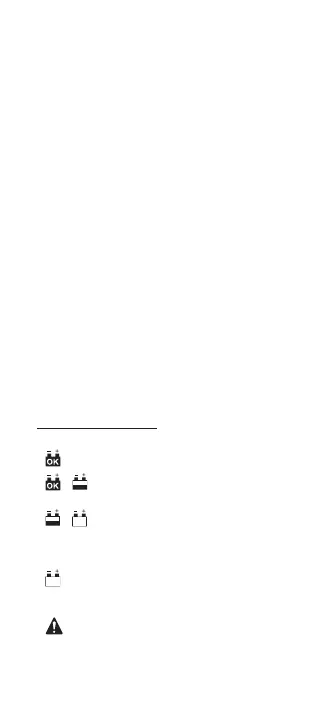
- GREEN LED on: the battery is
good and charged.
- / GREEN and YELLOW LEDS
on: the battery is good but needs
recharging.
- / YELLOW and RED LEDS on:
the battery is discharged and the
conditions cannot be dened.
Recharge and try the battery
again.
- RED LED on: the battery doesn’t
maintain the charge or one of its
cells is short-circuited: it must be
replaced immediately.
- ERROR LED on: the clamps are
not connected correctly or the
tested battery has a CCA which
exceeds the maximum allowed for
the instrument.
Disconnect the clamps at the end of the test.


 To Next Page