Making Changes To The Programmed Settings
Any setting can be changed when it is flashing by pushing or
If a button is not pushed for 10 seconds the thermostat returns to
operation.
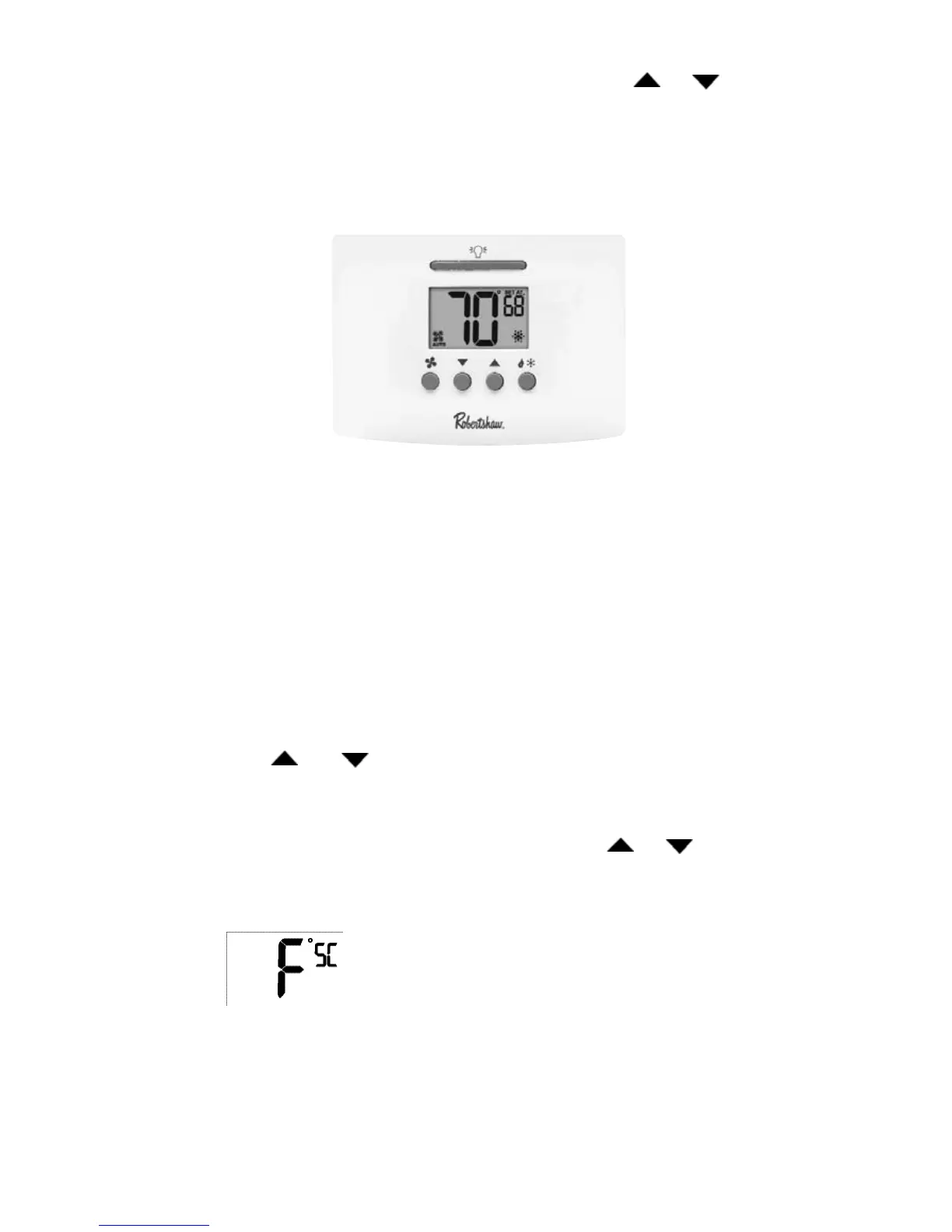
The following buttons can be accessed from the front panel.
LIGHT BAR: Turns on the display back light for 10 seconds.
FAN: Turns fan to AUTOMATIC, CIRCULATE or ON.
UP ARROW: Used during programming for changing the flashing item
upward.
DOWN ARROW: Used during programming for changing the flashing item
downward.
HEAT/COOL: Toggles through OFF, HEATING, COOLING, and AUTO. If using
an RS4220 and configured as HP then emergency heat is also displayed.
To Make Changes to the Settings
When and are pressed at the same time the thermostat will
display the current settings in order.
To change any setting:
When the setting is visible and flashing press the or
arrows to adjust the number on the screen.
SC = Scale in °F (Fahrenheit) or °C (Celsius)
bL = Display backlight always on ”Y” or off ”n”. Also called the nightlight
feature. If the thermostat has been wired to enable this feature it will
be displayed and the setting can be changed.
5



 To Next Page