SHORT USER MANUAL COMMAND UNIT
3. CONTROL ELEMENTS
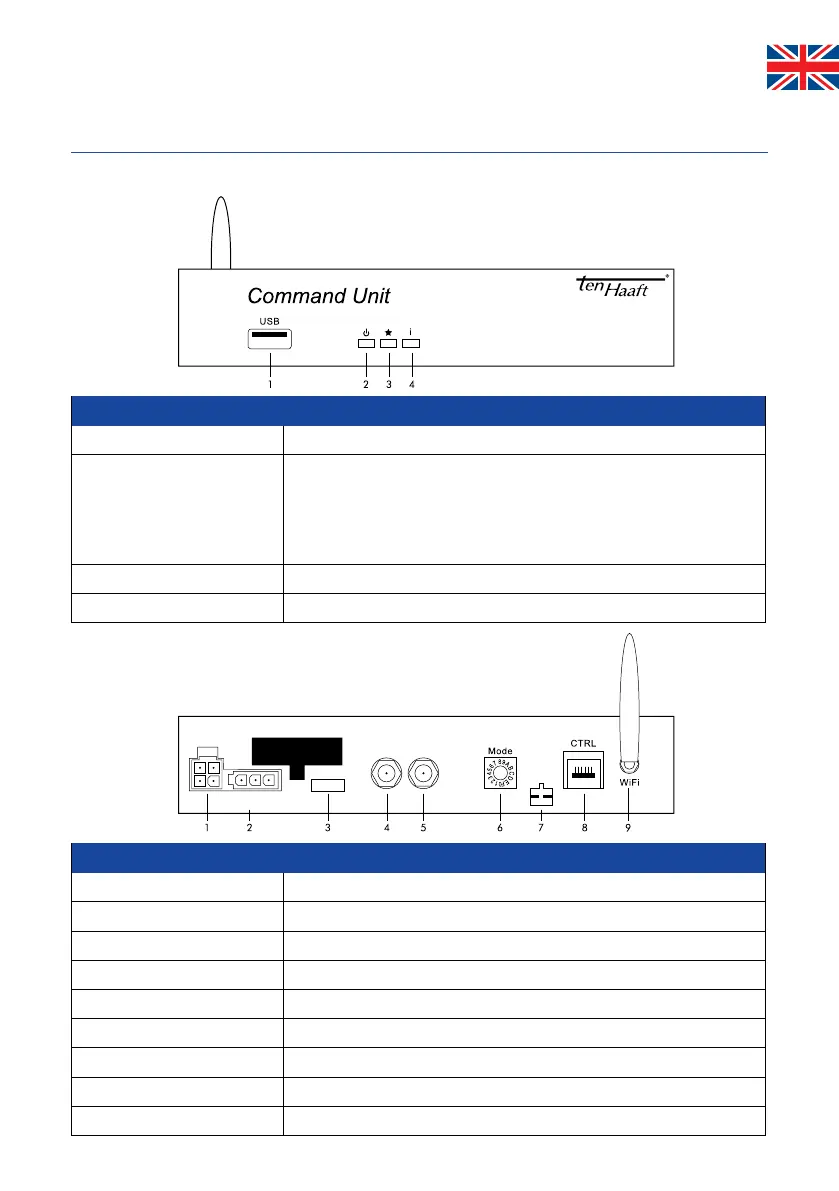
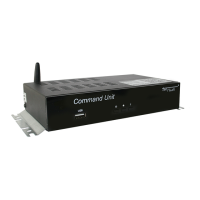
3.2 Command Unit (front face) (rear face)
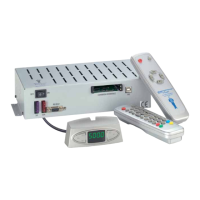
The Command Unit controls either the functions of the external unit via a hard-wired control panel, via the app or via the
Oyster® TV.
Bus
CI
Ant.
SAT
Battery
10 A
31 30 15
Control1
Antenna
TV
Control panel
1. USB
USB port (for updates via USB stick)
2. Power button This button switches the entire antenna system on and off. If you press
this button while the antenna is in motion, it will stop immediately
(emergency stop).
When the antenna is open and stopped, pressing this key will cause the
system to retract (park) and shut down (standby).
3. „Star“ button reserved
4. „i“ button This button has various functions that are indicated by the colour of the LED.
Inputs/outputs
1. antenna control
4-pin plug contracable external unit
2. Powersuply
Ignition/ terminal 15/ D+ and 12V/ 24V powersupply
3. Fuse
10 A (FKS-Mini, red)
4. Ant
SAT IN from external unit (Antenna)
5. TV set
SAT OUT to Receiver/ TV
6. Mode
Rotary switch for SAT mode (default setting 0 = automatic mode)
7. CI-Bus
Optional control input
8. CTRL
Control panel (if included in supply)
9. WiFi
WiFi antenna


 To Next Page