EasyManua.ls Logo

Ten-Haaft Oyster V Vision - User Manual

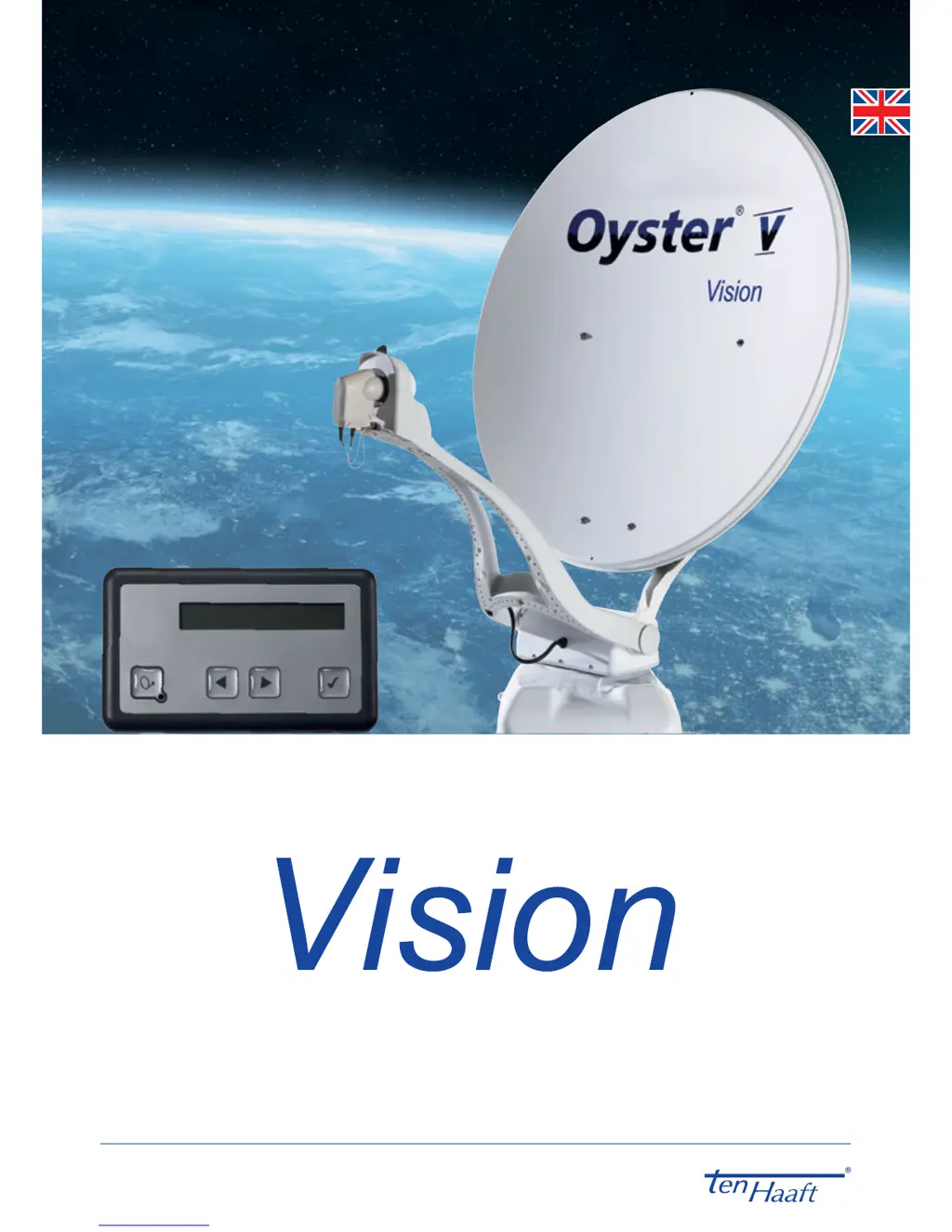
Ten-Haaft Oyster V Vision
32 pages
Print Icon
To Next Page IconTo Next Page
Loading...
www.ten-haaft.com
OPERATOR MANUAL

Questions and Answers

  • E
    evan59Aug 3, 2025
    What to do if Ten-Haaft Oyster V Vision Antenna does not find satellite during search?
    • M
      Mary JimenezAug 3, 2025
      If your Ten-Haaft Antenna system fails to find a satellite during the search, ensure that you have a clear view to the south and that your location is within the satellite's footprint. Also, verify whether your position requires adjustments to the LNB's SKEW angle.
  • P
    peter63Aug 10, 2025
    Why Ten-Haaft Oyster V Vision Antenna does not retract or unfold properly?
    • E
      Eric AndersonAug 10, 2025
      The Ten-Haaft antenna might not retract or unfold properly due to a couple of reasons: * The motion might be obstructed by obstacles. * The supply voltage might be too low, indicating a weak battery.
  • B
    Bryan WattsAug 17, 2025
    What to do if Ten-Haaft Oyster V Vision Antenna does not react after activation?
    • A
      Alicia PrestonAug 17, 2025
      If your Ten-Haaft antenna does not react after activation or doesn't respond to commands, check the following: * Ensure the fuse is working correctly. * Verify that all cables are properly connected.
  • J
    Jennifer LunaAug 26, 2025
    How to fix signal tone of Ten-Haaft Oyster V Vision Antenna featureBox?
    • D
      dunnnicoleAug 26, 2025
      If the FeatureBox emits a signal tone, and the system received a retract command (ignition switch connected) without feedback, verify that the system is fully retracted.

Summary

General Information

Introduction

Overview of the operator manual's purpose and system introduction.

Scope of Supply

Details the components included in the satellite system package.

Intended Use

Specifies the intended application and limitations of the product.

Safety Precautions

Control Elements

Control Panel

Overview of the control device, its functions, and installation advice.

FeatureBox (Front Face)

FeatureBox (Rear Face)

ten Haaft App

Menu Guidance

Main Levels

Details the main menu structure and system status displays.

Settings

Automatic Satellite Swap

Automatic Satellite Swap via DiSEqC

Explains automatic satellite switching using DiSEqC™ technology.

Settings at the Vision Control Unit

Steps to enable DiSEqC™ function on the antenna system's control unit.

Enabling DiSEqC at the TV Set

Instructions for configuring DiSEqC™ settings on the television or receiver.

Service

Reception in Practice - Aiming the Satellite System

Guides on aiming the satellite antenna using azimuth, elevation, and skew angles.

Reception in Remote Areas

Troubleshooting

FeatureBox Update via USB Stick

Appendix

Declaration of Conformity

Manufacturer's declaration of compliance with relevant directives and standards.

Notes on Environmental Protection

Ten-Haaft Oyster V Vision Specifications

General IconGeneral
ManufacturerTen-Haaft
Frequency Range10.7 - 12.75 GHz
MountingRoof mount
TypeSatellite TV Antenna
PolarizationLinear
MaterialAluminum
Impedance75 Ohm

Related product manuals