- 3 -
The Second Step: App Settings
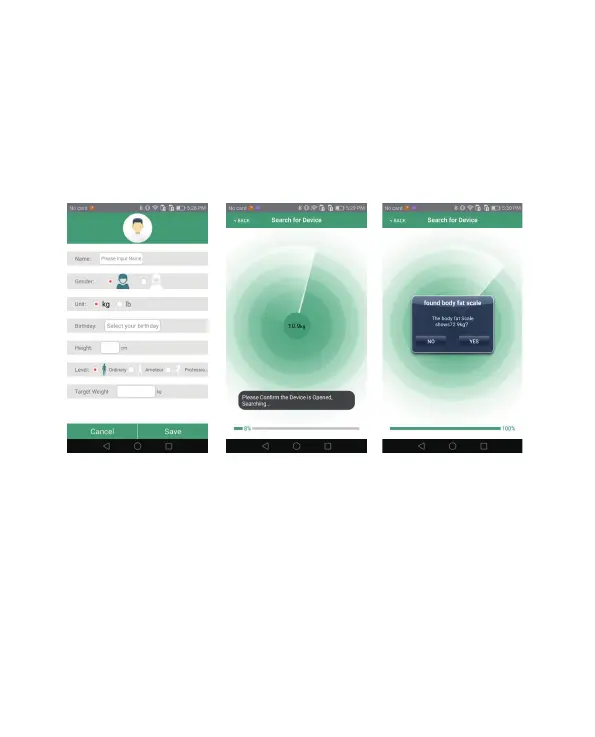
1. Open "Health Tracker" to run the application. Upon opening for the first
time, you will be prompted to enter the user’s information, as shown in
Figure 2. Set the avatar, name, gender, unit, height, age and target weight.
Save and enter the bound device page, as shown in Figure 3 and Figure 4 .
2. Make sure the phone's Bluetooth is turned on. Please stand barefoot on
the scale for accuracy. During measurement, the body fat scale will show
"____".
This means the measurement has finished. The app will be prompted to
receive the new measurement data.
* If you were wearing socks or shoes to measure, only receive the weight
data.
Figure 2 Figure 3 Figure 4



 To Next Page