- 4 -
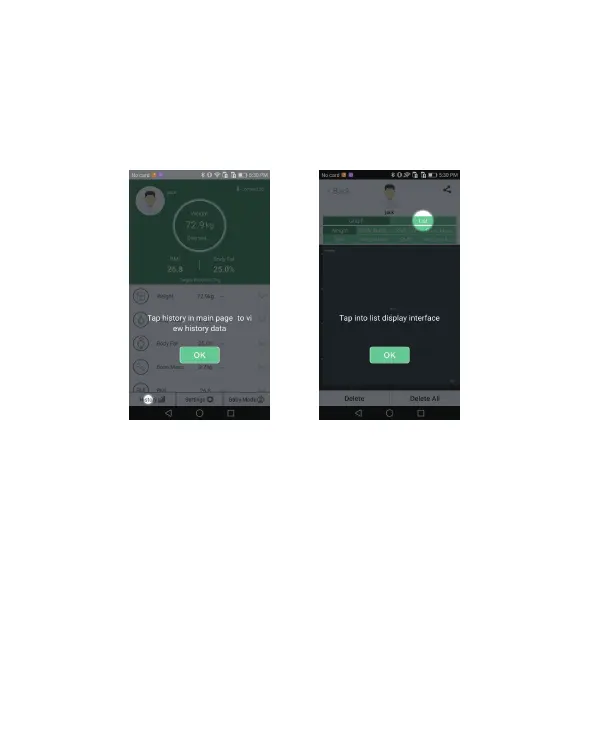
3. View the historical data.
a. Press the “History” icon at the lower left corner of the main interface to
view the historical data list, as shown in Figure 5.
b. By clicking on the list, you can check all of the weight measurement data.
As show in Figure 6.
4. Hold baby mode
a. Ensure that the smart scale has been shut-down before using the
"hold baby" function.
b. Click "hold baby" on the home page of the app, create or select the baby
user, enter the baby interface then click on the scale. The adult weighs first
and is then prompted to "report the baby on the scale". Next, hold the baby
whilst standing on the scale; the main interface will display the baby's weight.
When prompted to "hold the baby on the scale", hold the baby on the scale
again.
Figure 5 Figure 6



 To Next Page