www.element14.com
www.farnell.com
www.newark.com
www.cpc.co.uk
www.mcmelectronics.com
Page <4>
V1.101/06/12
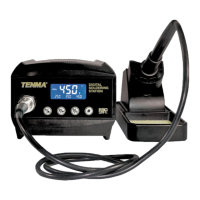
Soldering Station
User’s Manual
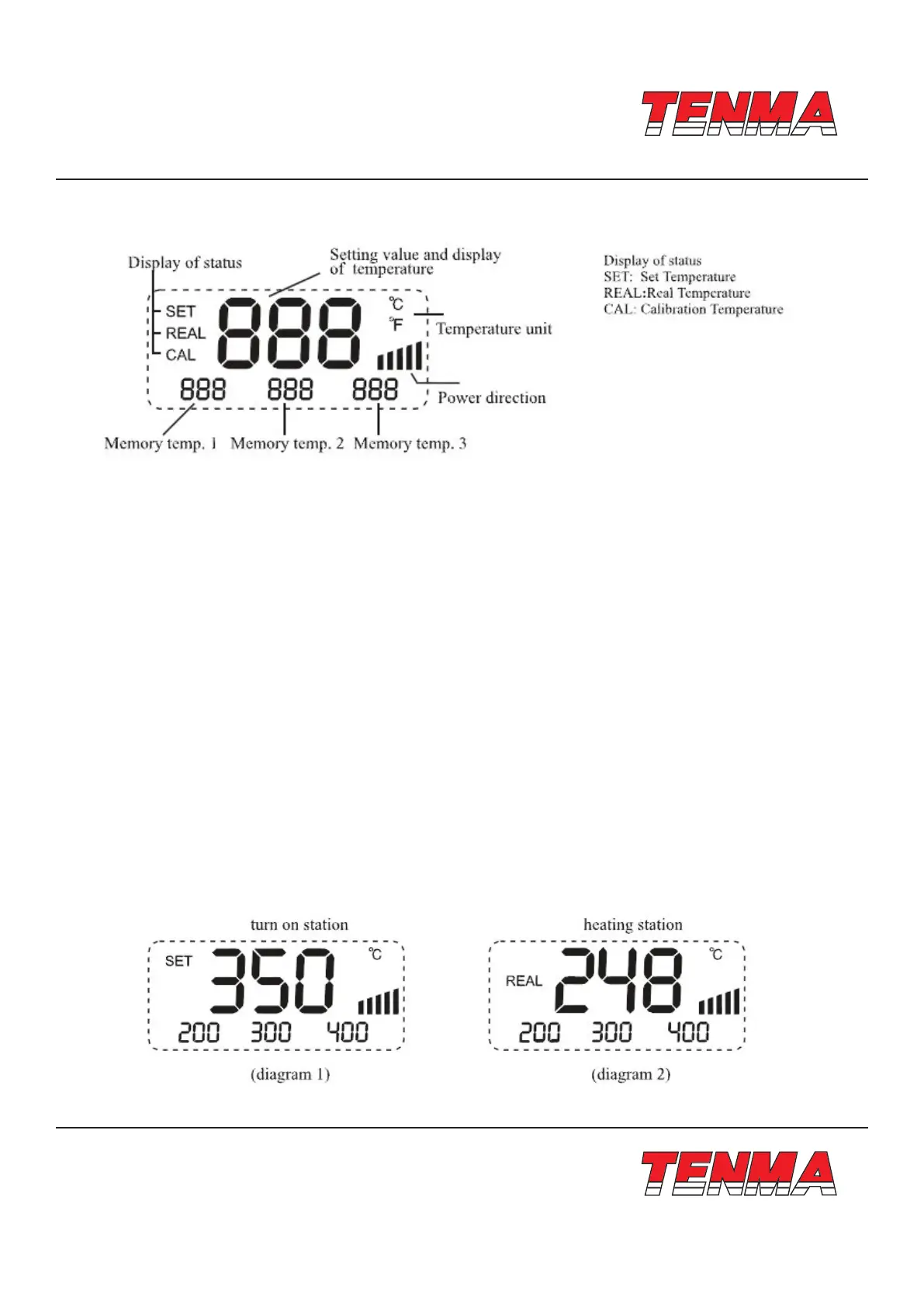
Introduction for LCD Display
Features
• New appearance design, big LCD screen, for clear and convenient reading
• PID power control loop with constant temperature set by MCU computer for more precision temperature control
• Imported temperature-beard materials with long life
• It is convenient that the device adopt three programmable knobs in different condition.
• Display the temperature between Fahrenheit and Celsius exibly, convenient for the type of operators
• Computerized temperature calibration can correct the difference between the actual and display temperature quickly
• Heating element malfunction alert
Operating Guidelines
Please refer to the “Control Panel Guide” section for buttons and display panel details
1. Connection:
1.1 Insert soldering iron’s plug into the socket and tighten the nut on the plug securely and place it in iron holder
1.2 Inset station’s power cord into power plug on the back panel and plug the cord into a power source
2. Power on:
2.1 Turn on the unit
2.2 The Digital display will initially display the current set temperature (the value of last time using) for 3 seconds
After few seconds it would display the actual temperature with temp unit “°C or °F”. (Diagram 1), (Diagram 2)


 To Next Page