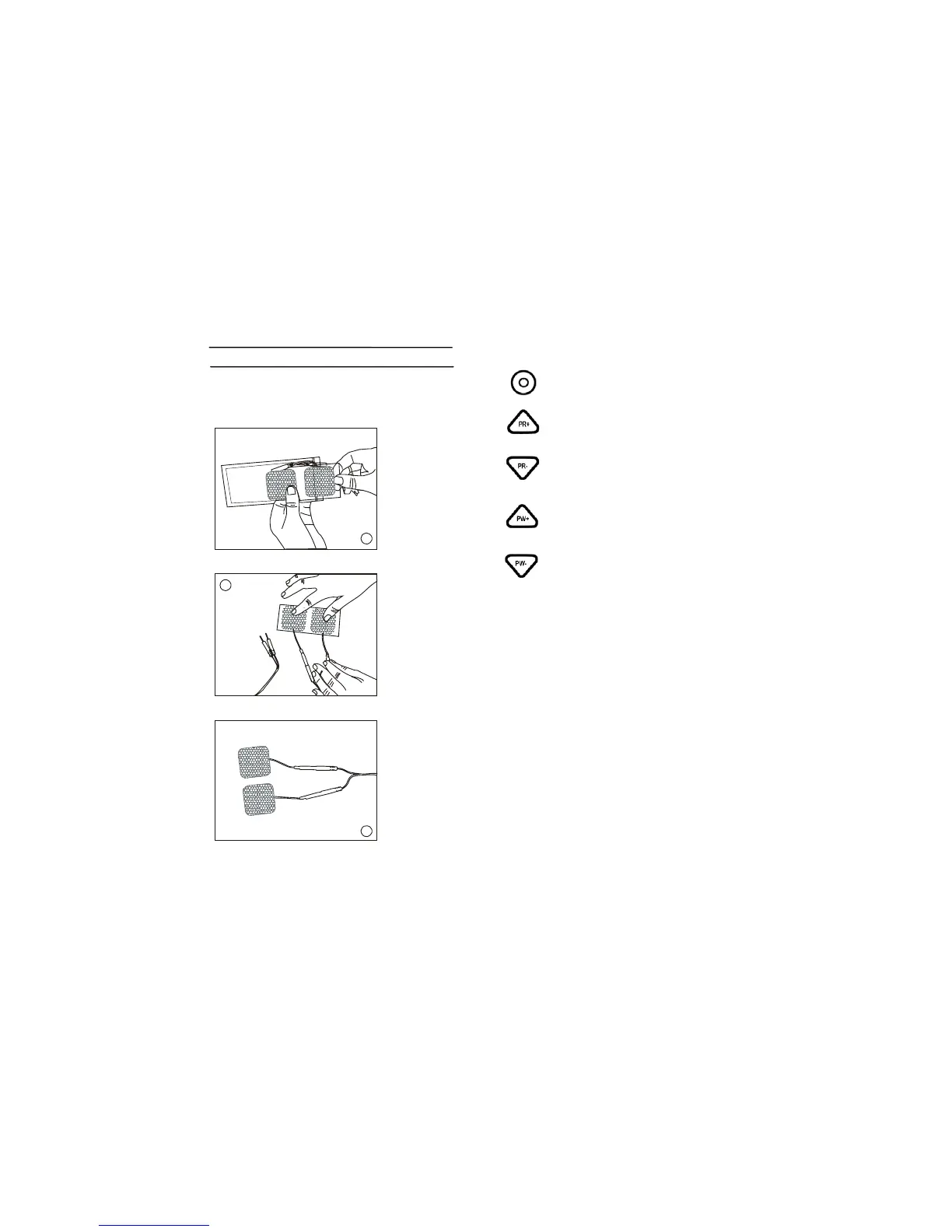
STEP3 PADS
Remove pads from the bag and connect to the
leads.
5
6
7
10
Turn in counter-clockwise decrease the
intensity.
Stands for Pulse Rate Up, press
this key to increase the frequency.
Stands for Pulse Rate Down, press this
key to decrease the frequency.
Stands for Pulse Width Up, press
t his key to increase the Pulse Width.
Stands for Pulse Width Down, press this
key to decrease the Pulse Width.
15


 To Next Page