MIDI Master PRO Keyboard
15
English Manual
Before using your keyboard,
please pay attention to the following cautions:
1. Do not subject the keyboard to serve shocks.
2. Do not expose the keyboard to direct sunlight, or high temperature.
3. Do not use the keyboard where there is excessive moisture.
4. Do not disassemble or attempt to modify the keyboard.
5. Clean the keyboard with a soft, dry cloth. If it can not remove the stain, wet the cloth
slightly before wiping. Never use alcohol or thinner to clean your keyboard.
Connecting the Power Supply:
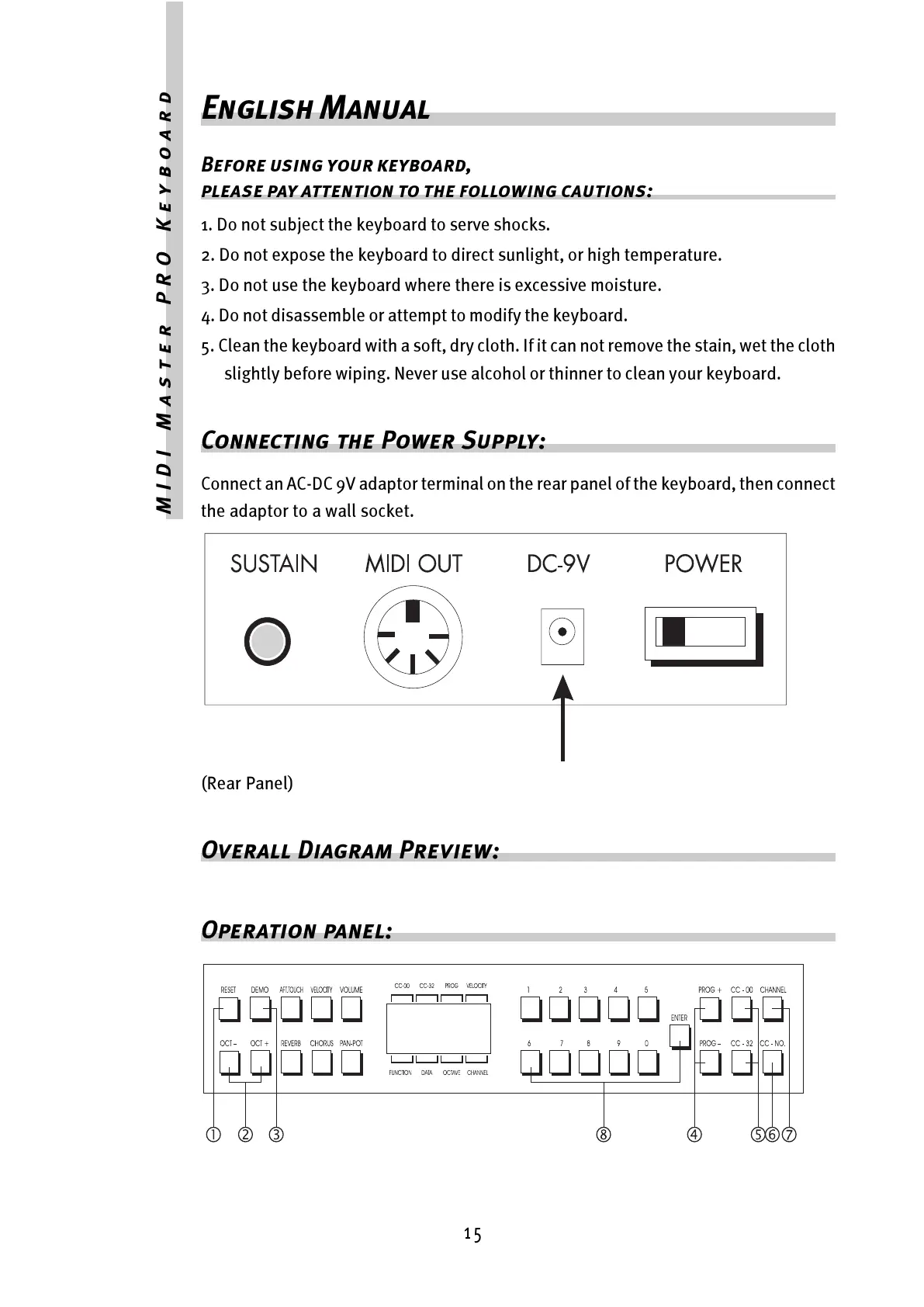
Connect an AC-DC 9V adaptor terminal on the rear panel of the keyboard, then connect
the adaptor to a wall socket.
(Rear Panel)
Overall Diagram Preview:
Operation panel:



 To Next Page