The Big Picture
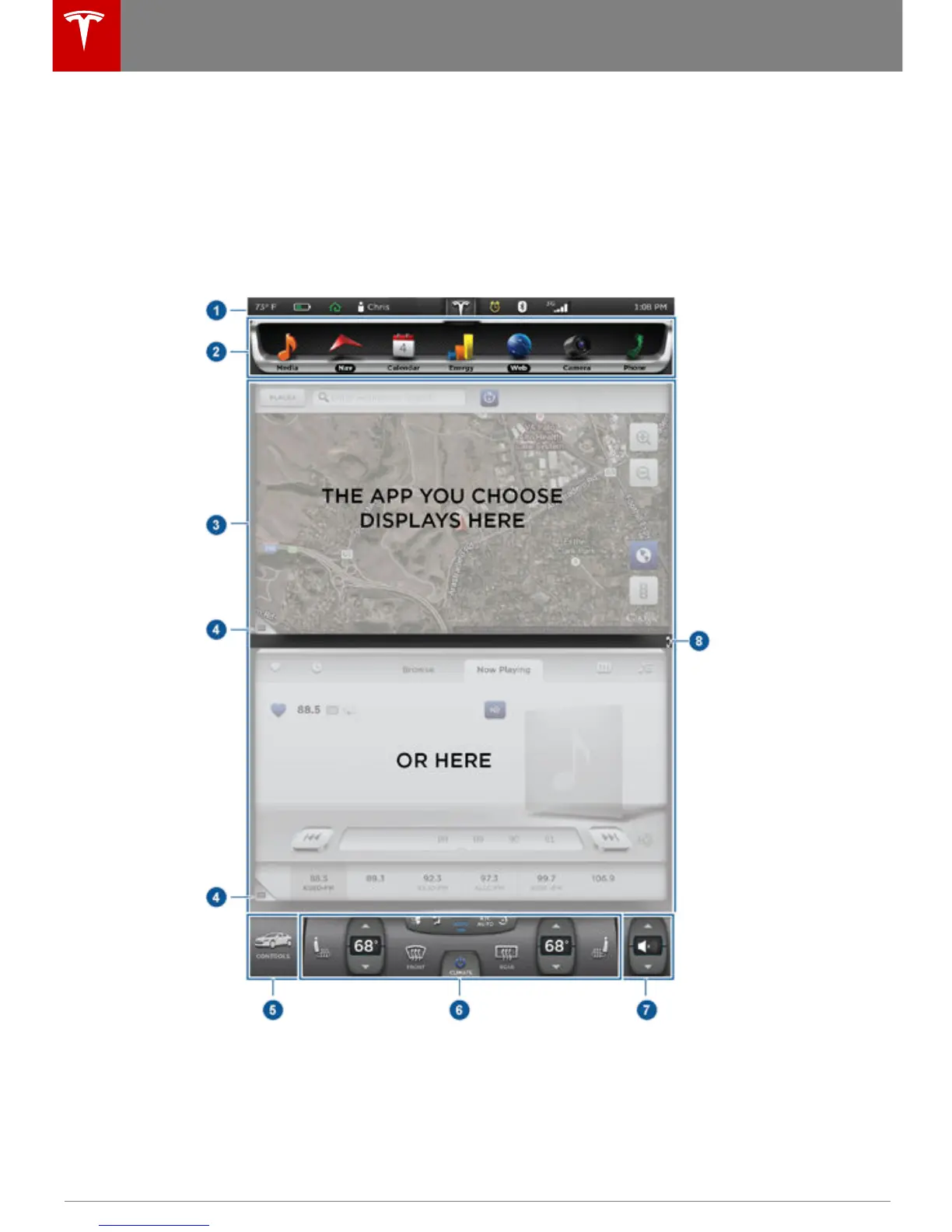
The main components of the touchscreen are shown here. To manually control the brightness and
contrast, touch Controls > Displays. When set to Auto, the touchscreen changes between the Day
(light background) and Night (dark background) setting depending on ambient lighting
conditions.
Note: The following illustration is provided for demonstration purposes only. Depending on
vehicle options, software version and market region, your touchscreen may appear slightly
different.
Touchscreen Overview
72 Model S Owner's Manual
















 To Next Page