2
WHAT‘S IN THE BOX
Please consult this checklist for all parts.
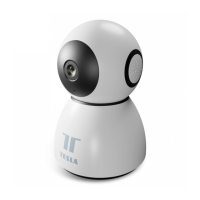
• Smart Camera 360
• Power adapter
• USB cable
• Bracket
• Screws
• Pin
• User manual
Power
DC 5V ±10%
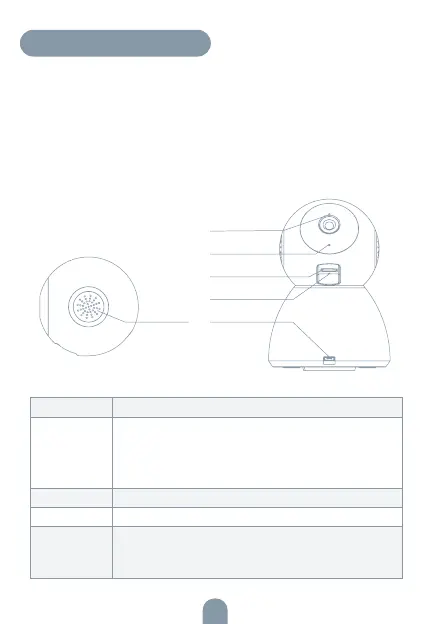
Status light Red light solids on: the camera or network is abnormal
Blinking red light: awaiting WiFi connection (faster blinking)
Blue light solids on: camera running correctly
Blinking blue light: currently connecting (faster blinking)
Microphone Captures sound for your video
SD card slot Supports local SD Card storage (Max.128G)
Reset Press and hold for 5 seconds to reset the camera
(if you have modified settings, they will return to factory
defaults)
Speaker
Status light
Microphone
SD card slot
Reset
Power


 To Next Page