5 First steps
10
Switching the instrument on
> Press [
].
- Initialization phase:
• All display segments are lit (length of time: 2 s).
- Measurement view is opened.
Performing settings
1.Press [Set].
- The configuration menu is opened and the adjustable
parameter flashes.
2. Set parameters:
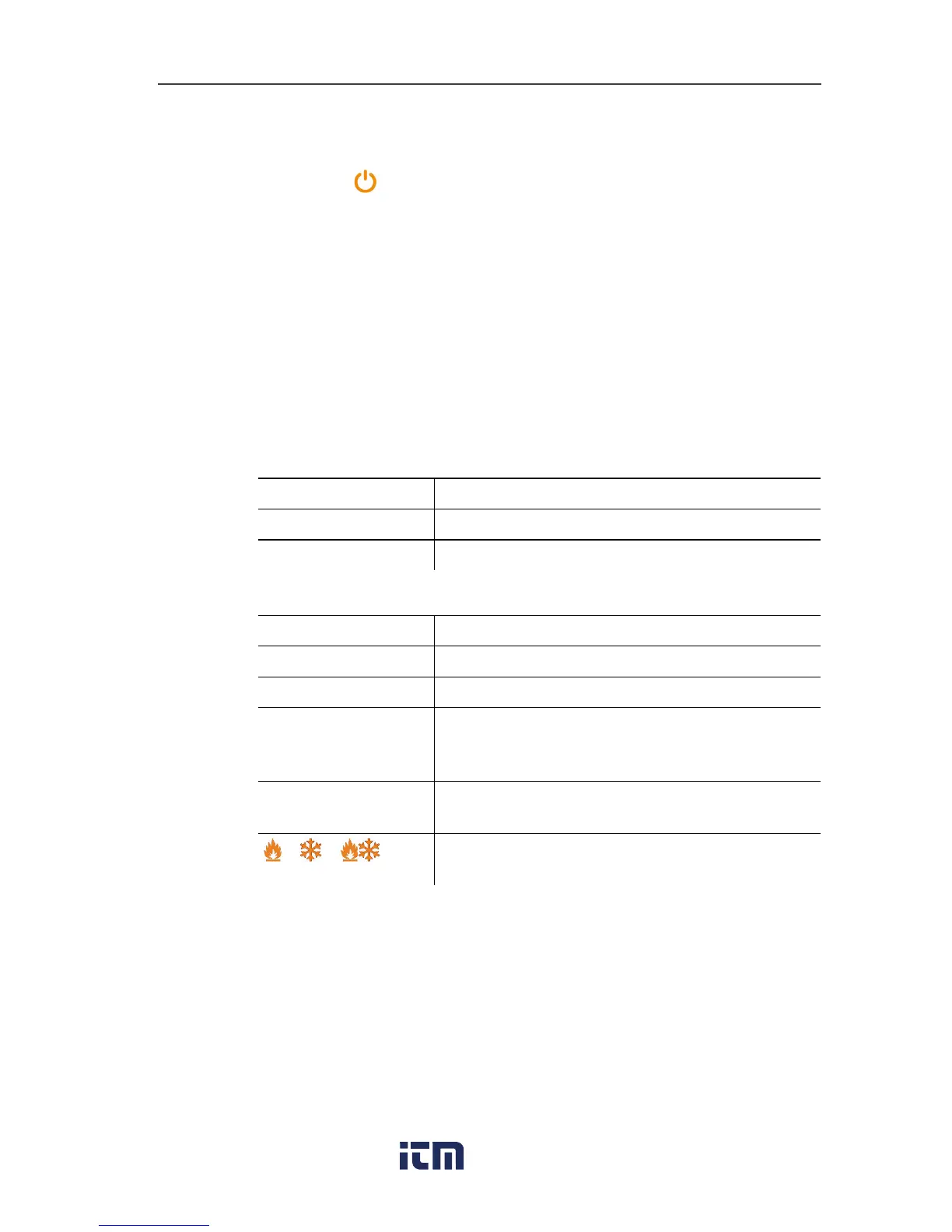
Key functions
Representation Explanation
[▲] or [▼]
Change parameter, select unit
[Set]
Select units/parameters
Adjustable parameters
Representation Explanation
°C, °F
Set temperature unit.
bar, kPa, MPa, psi
Set unit of pressure.
Pabs, Prel or psia,
psig
Depending on the selected unit of pressure:
Switch between absolute and relative
pressure display.
29.92 inHg/
1.013 bar
Set current absolute pressure (see table)
/ /
Select measuring mode (see Selecting the
measuring mode, page 13)
Settings will be applied following the final selection.
Operating valve positioner
The digital manifold acts like a conventional two-way manifold with
regard to the refrigerant path: The passages are opened by
opening the valves. The adjacent pressure is measured with valves
closed as well as with them open.
> Open valve: Turn valve positioner anticlockwise.
> Close valve: Turn valve positioner clockwise.



 To Next Page