5 First steps
9
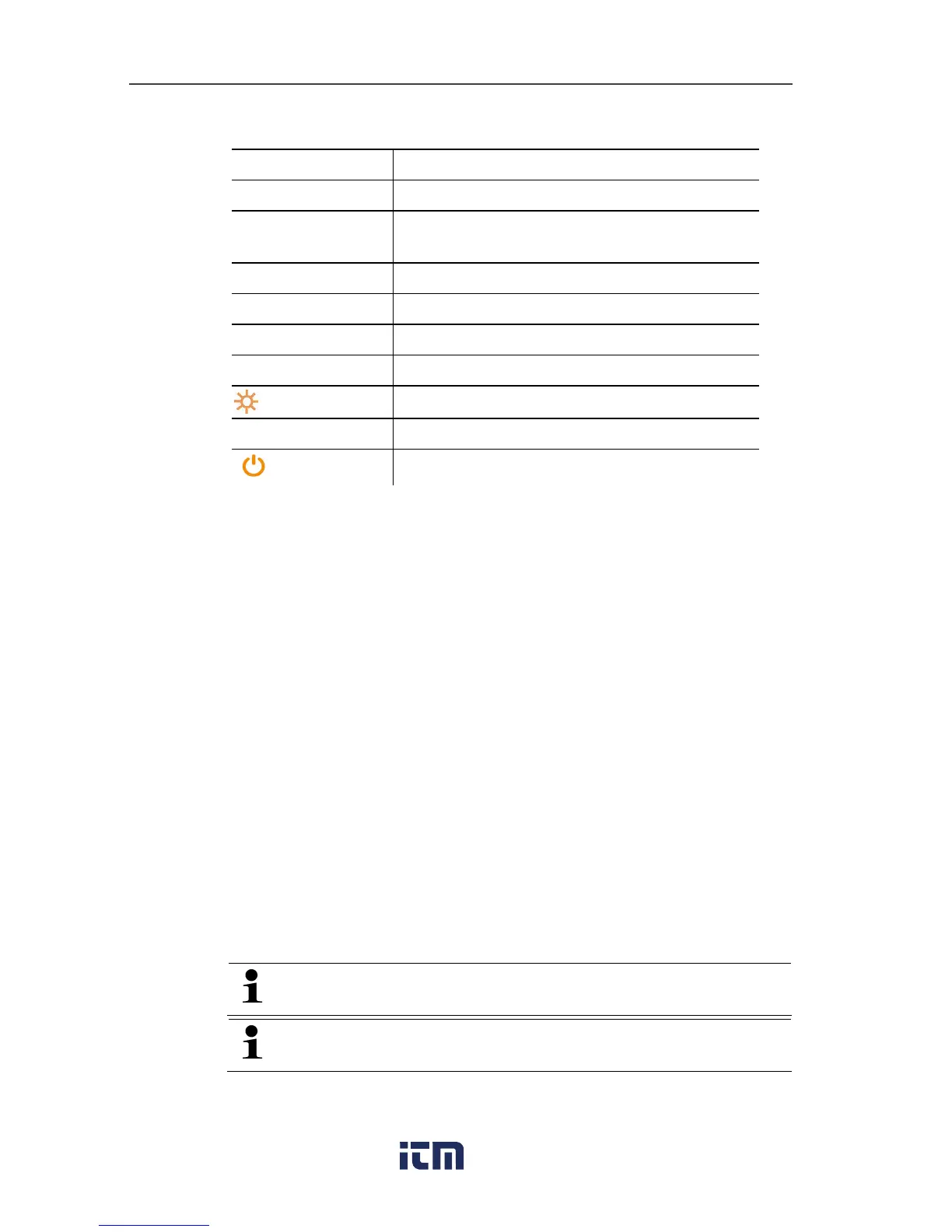
5Control keys:
Key Function
[Set]
Set units
[R, Start/ Stop] Select refrigerant/ Start/stop / Tightness
test
[Mode]
Switching measuring mode
[Min/Max/Mean]
Display min./max./mean values
[▲]
Up key: Change display view
[p=0]
Pressure zeroing
Light key: Switch display light on/off
[▼]
Down key: Change display view
[ ]
Switching the instrument on/off
6 Sight glass for refrigerant flow
72 x valve positioner
8 3 x hose parkers for refrigerant hoses
9 3 x connections 7/16" UNF, brass
Left/right: Low pressure/high pressure, for refrigerant hoses with
quick connect fitting, passage can be locked via valve
positioner. Centre: for refrigerant bottles, for example, with
sealing cap.
5 First steps
Inserting batteries/rechargeable batteries
1.Fold out the suspension device and open the battery
compartment (clip lock).
2. Insert batteries (included in delivery) or rechargeable batteries
(4x 1.5 V, type AA/Mignon/LR6) in the battery compartment.
Observe the polarity!
3. Close the battery compartment.
When not in use for long period: Remove
batteries/rechargeable batteries.
Completely charge rechargeable batteries before using the
instrument.



 To Next Page