23
629
EN
INSTRUCTIONS FOR USE
ACCELERATED FILTERING
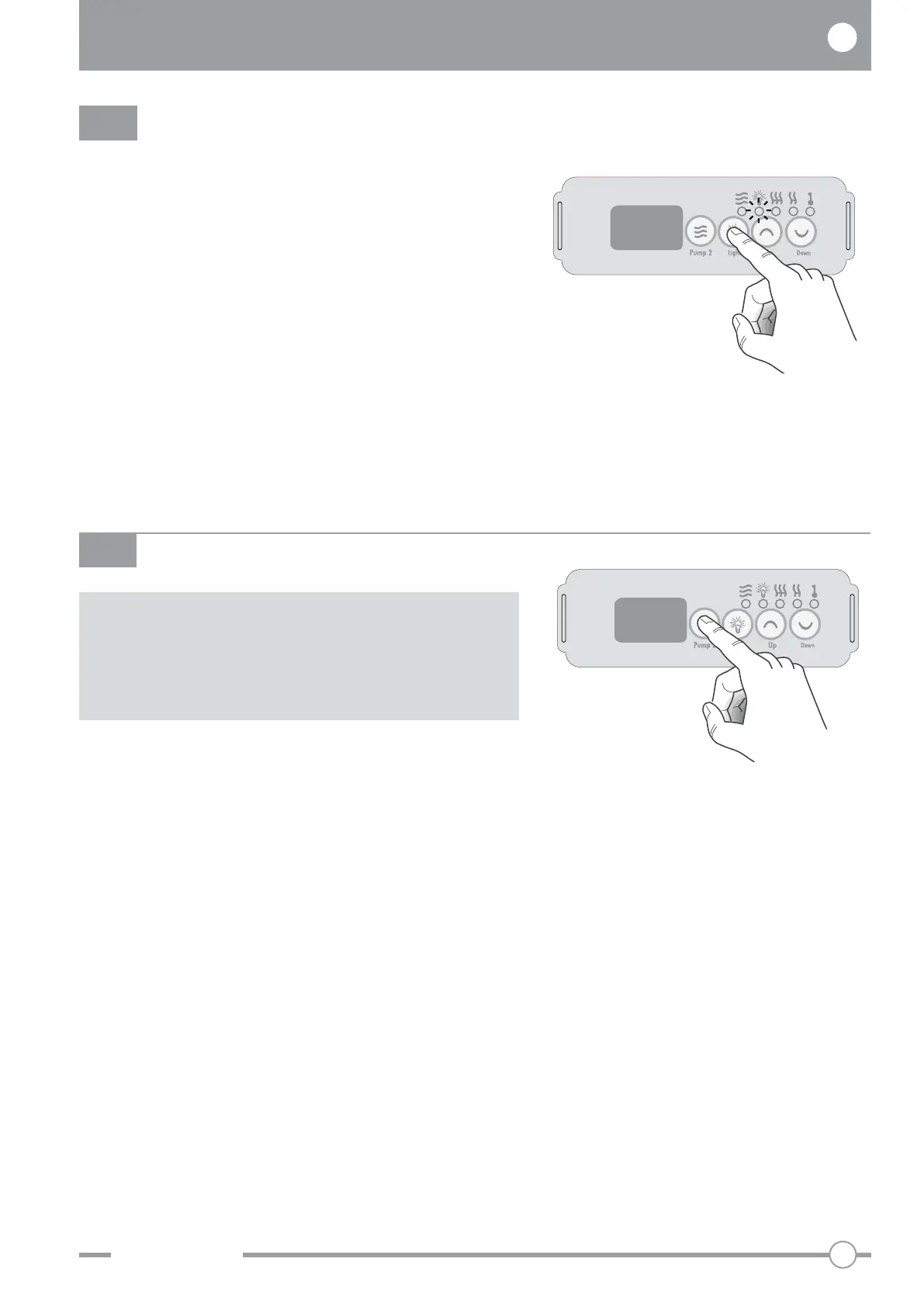
Press the “Pump” key for 5 seconds to switch on the
filter unit.
The writing “BOO” appears on the display.
This function deactuates automatically after 45
minutes or before if other functions are selected.
BOO
Press the “Light” button to switch on the chromo
experience function inside the minipool. The
indicator light will also switch on.
The chromotherapy will start to function, rotating the
colours at approximately 10-second intervals.
The colours are: White - Pink - Red - Orange - Yellow
- Green - Cyan - Blue - Purple.
If you wish to select fixed lighting in the required
colour and for an unspecified period of time, switch
the light off and then on again (within 2 seconds)
while it is the required colour.
Press the “Light” button again to switch off the
chromo experience.
LIGHT
Accelerated filtering must be utilised after
each intensive use of the minipool to facilitate
a rapid and homogeneous dissolution of the
chemical substances in the minipool.



 To Next Page