EasyManua.ls Logo

Teufel Impaq 8000 - User Manual

Teufel Impaq 8000
52 pages
Print Icon
To Next Page IconTo Next Page
Loading...
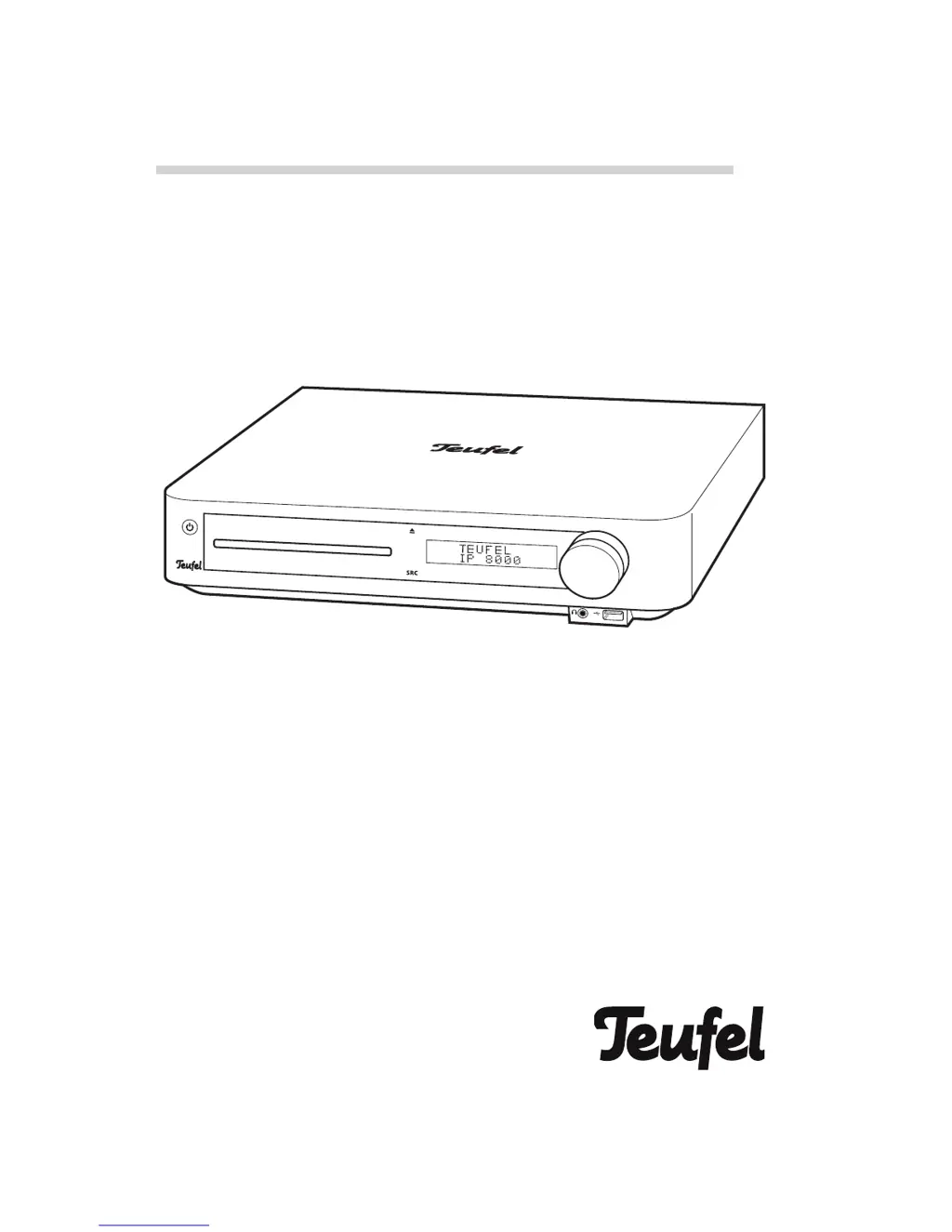
Technical description and user manual
7.1 AV receiver with 3D Blu-ray player
Impaq 8000

Table of Contents

Questions and Answers

  • W
    Wayne ParrishAug 17, 2025
    Why Teufel Impaq 8000 doesn't emit any sound?
    • J
      Julie WhiteAug 17, 2025
      If your Teufel Stereo Receiver isn't producing sound, there might be several reasons: * The wrong source may be selected, so ensure you've selected the correct input. * The device could be muted; check if the mute function is activated and deactivate it. * The volume might be set to “0”; increase the volume. * The speaker cable may not be stripped properly; ensure the speakers are correctly connected.
  • S
    Susan TranAug 19, 2025
    What to do if my Teufel Impaq 8000 remote control is not working?
    • J
      Jared TranAug 19, 2025
      If your Teufel Stereo Receiver remote control isn't working, consider these potential solutions: * Ensure there is a clear line of sight between the remote and the device, removing any obstacles. * Make sure the remote control is pointed directly at the device. * Verify that the batteries are inserted with the correct polarity, as indicated in the battery compartment. * Replace the batteries with new ones, as the current batteries may be depleted.
  • K
    kellyriggsAug 22, 2025
    What to do if my Teufel Impaq 8000 subwoofer hums?
    • S
      Sergio GarnerAug 23, 2025
      If your Teufel Stereo Receiver's subwoofer is humming, try the following: * Ensure the subwoofer and the receiver are connected to the same power circuit. * The hum might be due to line disturbance; in that case, use a mains filter. * If you're using a multiple socket strip, try a different one or connect the subwoofer directly to the wall socket. You can also try reversing the mains plug in the socket.
  • C
    Christopher StevensAug 26, 2025
    What to do if Impaq 8000 Teufel Stereo Receiver doesn’t work?
    • D
      dominguezpatriciaAug 26, 2025
      If your Impaq 8000 Teufel Stereo Receiver isn’t working, check the following: * Verify that the receiver is getting power by checking the mains cord and socket. * If the fuse is defective: 1. Disconnect the mains cord. 2. Carefully pull out the fuse holder on the mains connection jack. 3. Push the old fuse down and out. 4. Insert a new fuse (6.3 A delayed action) and push the holder back.
  • A
    Anthony TranAug 28, 2025
    Why is the Wi-Fi connection to the Wi-Fi base station not established on my Teufel Impaq 8000 Stereo Receiver?
    • D
      Douglas RobertsAug 28, 2025
      To establish a Wi-Fi connection on your Teufel Stereo Receiver: * Ensure the Teufel WiFi Link USB adapter is correctly connected to the USB port. * Verify that the Wi-Fi password has been entered correctly. * Check if a MAC address filter is active in the Wi-Fi base station (AP) and, if so, enter the MAC address of the device as an exception. * Confirm that the Wi-Fi function on your Wi-Fi base station is enabled.
  • F
    fnelsonAug 30, 2025
    Why does the Wi-Fi connection to the Wi-Fi base station cut out on my Teufel Stereo Receiver?
    • D
      David DukeAug 30, 2025
      To prevent the Wi-Fi connection from cutting out on your Teufel Stereo Receiver: * Avoid placing the device directly next to or under obstacles and metallic objects. * Experiment with the positioning of both the device and the Wi-Fi base station to improve the connection. Ensure there are as few obstacles as possible between the devices.
  • B
    Brenda ReedSep 2, 2025
    Why is there no picture on my Teufel Stereo Receiver?
    • B
      butlerrobertSep 2, 2025
      If you're not getting a picture on your Teufel Stereo Receiver, consider the following: * Ensure the TV is switched on. * Select the correct AV input on your TV (e.g., HDMI 1). * Verify the HDMI resolution settings on the Impaq 8000. * Check that the connector cables are correctly wired and not loose. * Replace the connector cable if it is damaged.
  • Z
    Zachary MartinSep 5, 2025
    How to troubleshoot no playback of CD/DVD/BD on Teufel Stereo Receiver?
    • N
      Natalie ColeSep 5, 2025
      If your Teufel Stereo Receiver isn't playing CD/DVD/BD discs, try these steps: * Make sure a disc has been inserted. * Ensure the disc is inserted correctly, with the labelled side facing up. * Verify the region code of the DVD/BD matches the device's region code (2). * Check if the CD/DVD/BD is damaged or dirty; clean or replace it if necessary. * If there's condensation in the device, remove the disc and let the device sit activated for one to two hours before using it again.
  • B
    Bryan HamptonSep 7, 2025
    What to do if picture is fuzzy or distorted on Teufel Stereo Receiver?
    • L
      Luis MartinezSep 7, 2025
      If the picture on your Teufel Stereo Receiver is fuzzy or distorted, consider these solutions: * Clean or change the CD/DVD/BD, as it may be damaged or dirty. * Reset the color standard (PAL/NTSC) on the television set or receiver. PAL is the correct standard in Germany and Western Europe (except France). * If using intermediary devices like a video recorder, connect the devices directly. * Ensure the image format of the receiver is correctly configured.
  • M
    Matthew WadeSep 12, 2025
    What to do if there is no sound or not all audio channels are audible on Teufel Impaq 8000 Stereo Receiver?
    • C
      Cynthia PittsSep 12, 2025
      If you're experiencing no sound or missing audio channels on your Teufel Stereo Receiver, check the following: * Ensure the speaker wiring is correct. * Verify that the speaker settings and audio mapping are correctly configured. * Select the correct audio track on the disc. * Make sure the playback speed is set to normal. * Ensure that the speaker cable is properly connected.

Teufel Impaq 8000 Specifications

General IconGeneral
BrandTeufel
ModelImpaq 8000
CategoryStereo Receiver
LanguageEnglish