EasyManua.ls Logo

Tevion AVR-2006 - User Manual

Tevion AVR-2006
23 pages
Print Icon
To Next Page IconTo Next Page
Loading...
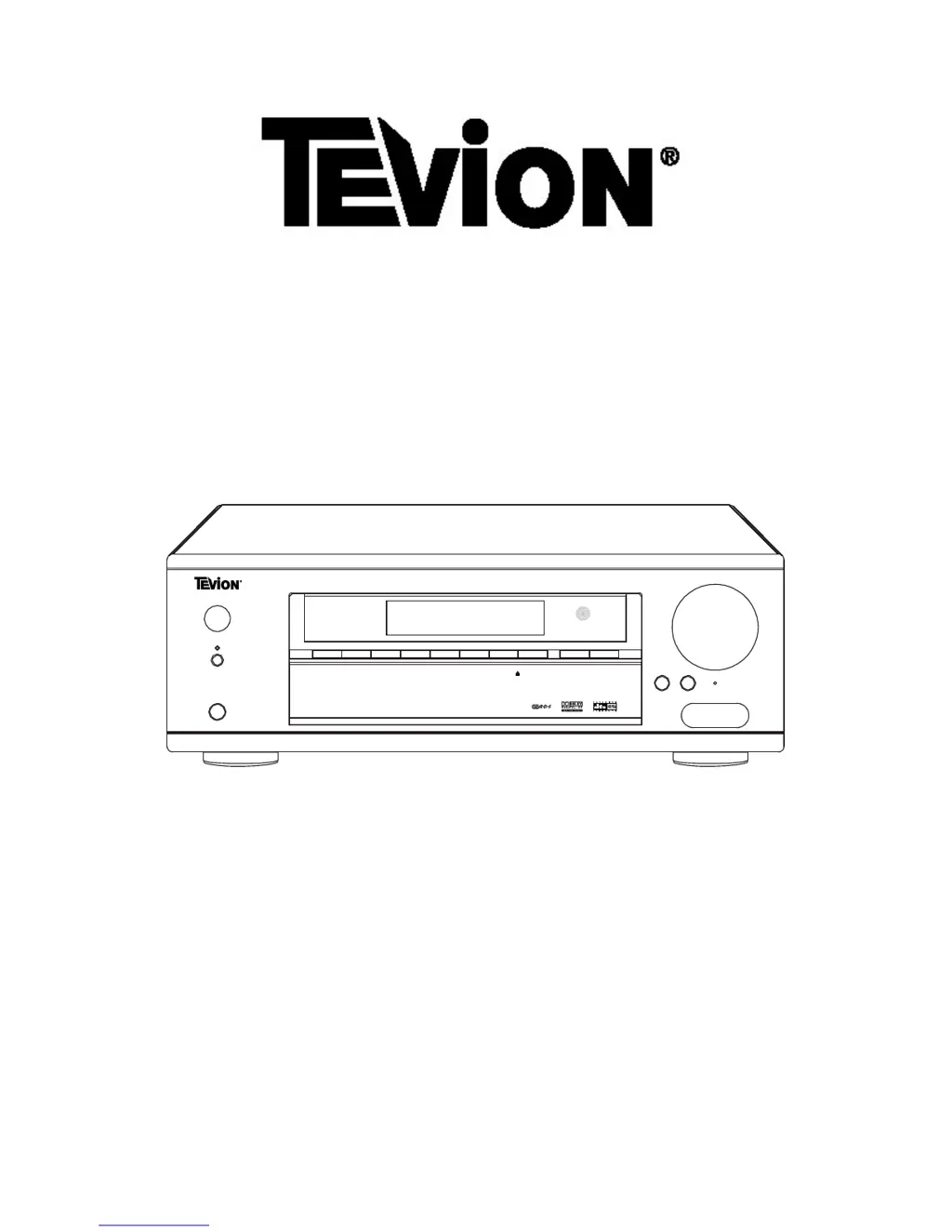
7.1 Channel Home Theatre Amplifier
DOL
B
Y
DIGI
T
AL/DTS
RECEIVER
V
R
-
20 05
MASTE R
V
O
L
U
ME
PO WER
D
V
D
V IDE O
1
VI DE O
2
V IDE O
3
TU NER
T
AP E
AUX
DIRECT
IN
DIS PL
A
Y
INP UT
MODE
S
T
AN D
B
Y
P US
H
BA SS
TREBLE
RE
SET
PHONE S
VIDE O
L
R
A
UDIO
HIGH
PER F OR MA NC E
AMPLIF IER
VIDE O
3
I
NPUT
A
V
R
-
2006
Users Manual

Questions and Answers

Summary

Important Safety Instructions

Before Use

Before Connection

Guidance on making connections before operating the unit.

Speaker Connections

Instructions for connecting speakers to the amplifier.

Connection

Antenna Connections

Instructions for connecting various types of FM and AM antennas.

Standard Speaker Setup for Surround Sound

Illustrates the typical placement of speakers for surround sound.

Speaker Placement

Provides recommendations for optimal speaker positioning in a room.

Connecting Loudspeakers

Detailed diagram and instructions for connecting loudspeakers to the amplifier.

Connecting Video Components

How to connect video sources like DVD players and VCRs.

Audio Connections

Guide to connecting digital and analog audio sources.

Remote Control Unit

Battery Installation

Instructions for installing batteries in the remote control unit.

Front Panel Information

Remote Control Information

Remote Control Function

Rear Panel Information

Basic Operation

Basic Operation 1

Initial steps for turning on the unit and selecting sources.

Basic Operation 2

Covers power, surround modes, and headphone use.

How to get PL IIx

Steps to activate Dolby Pro Logic IIx surround sound modes.

Dolby Pro Logic IIx

Explanation of Dolby Pro Logic IIx technology and its modes.

Surround Mode

Describes the function of various surround sound modes.

Direct In

How to use the direct 6.1 channel analog input.

Reset

Procedure for resetting the unit to factory defaults.

Headphones jack

How to connect headphones for private listening.

AV 3 IN

Information about the AV 3 input terminals.

Dolby Digital EX

How Dolby Digital EX uses surround back speakers.

DTS-ES Discrete 7.1

Explanation of the DTS-ES Discrete 7.1 format.

DTS-ES Matrix 7.1

Explanation of the DTS-ES Matrix 7.1 format.

DTS Neo: 6

How to use DTS Neo:6 for Cinema and Music modes.

Radio Operations

Instructions for operating the radio tuner.

Automatic Tuning

How to automatically scan and preset radio stations.

Manual Tuning

How to manually tune radio frequencies.

Two FM modes available

Explanation of Stereo and Mono FM reception modes.

Preset Tuning

Methods for storing and selecting preset radio stations.

Automatic Memory Presetting

Automatically stores the best received stations.

How to select preset stations

How to recall stored preset radio stations.

Manual Memory Presetting

Manually stores desired radio stations.

Radio Data System

RADIO DATA SYSTEM (RDS)

Explanation of RDS features like PS, PTY, CT, and RT.

PTY SEARCH (Program Type Search)

How to search for radio stations by program type.

APS (Auto Program Search)

How to automatically search and store stations.

Video Operations

Playing Video sources

Steps to select and play video sources.

Delay Time & Dynamic Range Control

DELAY TIME

How to adjust speaker delay times for surround modes.

DYNAMIC RANGE CONTROL

How to adjust sound compression for movies.

Test Tone, LFE trimmer & Channel Select

TEST TONE

Using test tone for speaker level balance adjustment.

LOW FREQUENCY EFFECT (LFE MIX)

Adjusting the LFE (subwoofer) level.

CHANNEL SELECT

Balancing speaker volumes in 7.1 channel mode.

Troubleshooting

SPECIFICATIONS

Tevion AVR-2006 Specifications

Audio Output IconAudio Output
audio power output front (L/R)100W RMS x 2 (8 ohm, 1% THD)
audio power output center100W RMS (8 ohm, 1% THD)
audio power output surround (L/R)100W RMS x 2 (8 ohm, 1% THD)
audio power output surround back100W RMS (8 ohm, 1% THD)
output impedance front (L/R)8 ohm
output impedance center8 ohm
output impedance surround (L/R)8 ohm
output impedance surround back8 ohm
total harmonic distortionLess than 0.05%
Line Input IconLine Input
input sensitivity/impedance150mV/47kΩ
frequency response20Hz~25KHz +0.5/-1dB
tone control range bass± 6dB
tone control range treble± 6dB
signal-noise ratio75dB
Woofer Output IconWoofer Output
rated output/impedance150mV/10kΩ
frequency response10Hz~300Hz +3dB
FM Tuner Section IconFM Tuner Section
frequency range87.5~108MHz
sensitivity14dB (5uV)
antenna terminal75 ohm (unbalanced)
Tuner Section IconTuner Section
frequency range522~1629kHz, 9kHz step
sensitivity68 dB/M
signal-to-noise range30 dB
Video Section IconVideo Section
level/impedance1 Vpp/75Ω
S-Video Section IconS-Video Section
standard S-video jacksCA 0.3 Vpp/75Ω
output level/impedanceYA 1 Vpp/75Ω
General IconGeneral
power requirementAC230-240V~50Hz
max power consumption600Watts
Weight and Dimensions IconWeight and Dimensions
dimensions350 (W) x 430 (D) x 150 (H) mm
weight15.8kg