EasyManua.ls Logo

Tevion T26WLZ53HID - User Manual

Tevion T26WLZ53HID
48 pages
Print Icon
To Next Page IconTo Next Page
Loading...
VISION
OPTICAL
PHOTO
DATA STORAGE
OPTICAL
PHOTO
DATA STORAGE
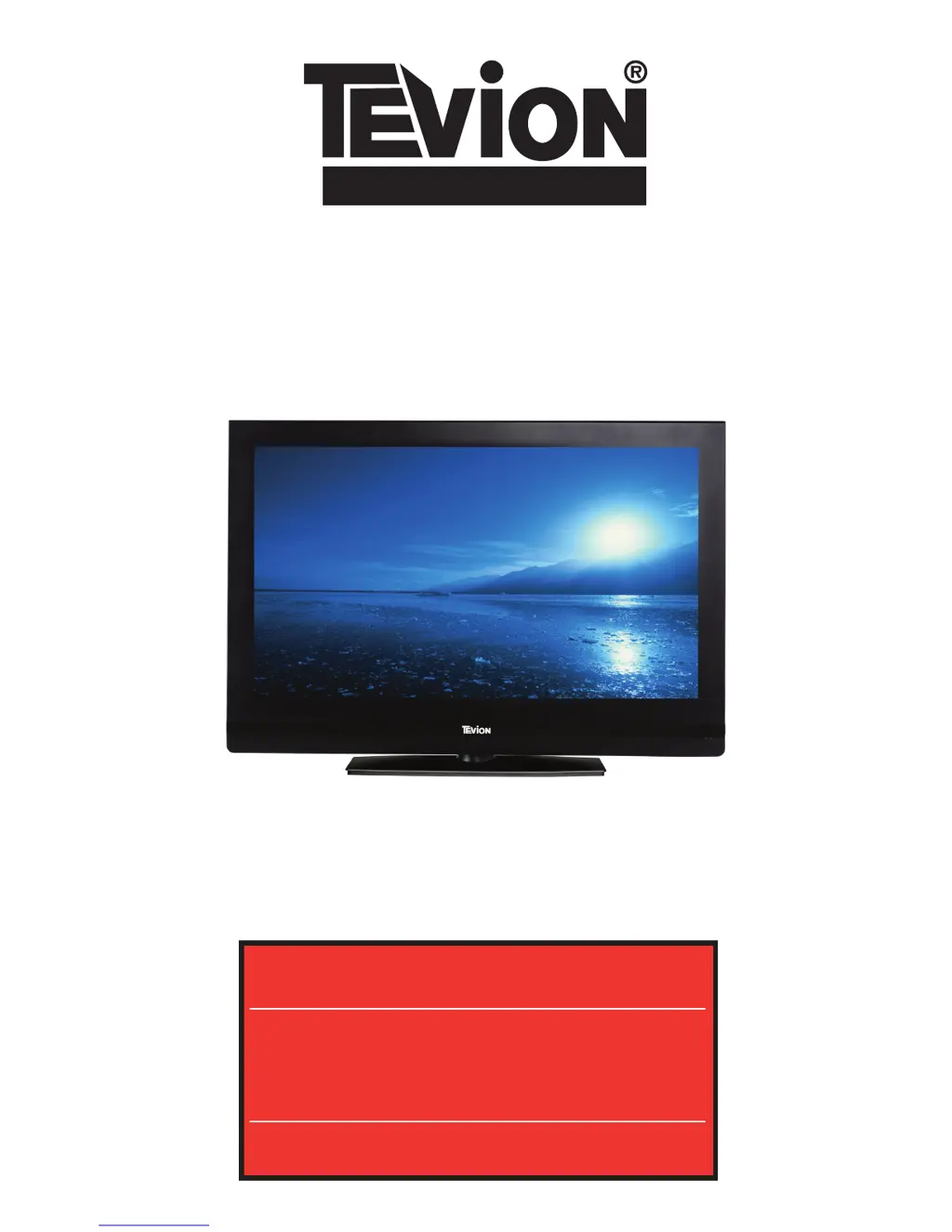
26”WIDESCREEN TV
Users Guide
After Sales Support
Now you have purchased a Tevion® Product you can rest
assured in the knowledge that as well as your 3 year parts
and labour warranty you have the added peace of mind of
dedicated helplines and web support:
AFTER SALES SUPPORT
UK / NIRELAND HELPLİNE NO 0845 850 41 14
REP. IRELAND HELPLINE NO 0818 332 890
WEB SUPPORT www.tevionservice.co.uk
MODEL NUMBER: T26WLZ53HID

Questions and Answers

Summary

Important Safety Instructions

Electrical and Handling Safety

Key safety precautions related to electrical hazards and product handling.

Getting Started

Antenna and Battery Setup

Connecting the antenna and inserting batteries into the remote control.

Remote Control

Remote Control Button Functions

Explanation of the functions of various buttons on the remote control.

Initial Setup and Tuning

First-Time Setup and Digital Tuning

Steps for initial setup, language selection, and automatic digital channel tuning.

Parental Control and Teletext

Parental Control and Teletext Operations

Setting up parental controls and using teletext features.

Troubleshooting

Tevion T26WLZ53HID Specifications

General IconGeneral
Screen Size26 inches
Resolution1366 x 768
Display TypeLCD
Aspect Ratio16:9
Brightness500 cd/m²
Contrast Ratio800:1
Response Time8 ms
HDMI Ports1
VGA Port1
SCART Ports2
Standby Power Consumption1 W