07
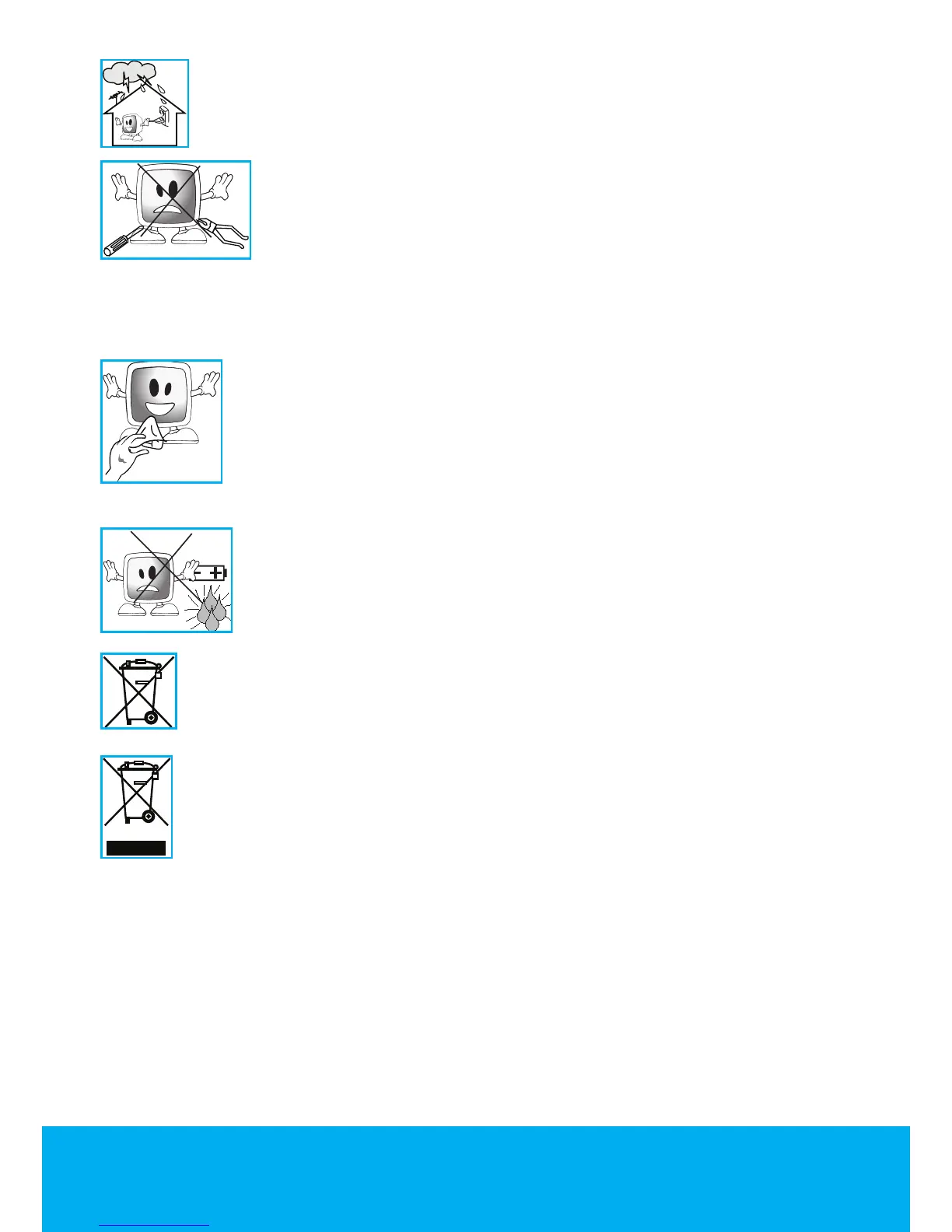
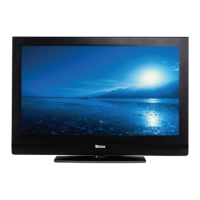
16) Unplug the power cable during thunderstorms or when you will not use
your device for a long period of time
17) Consult authorised service personnel for service requirements.
Never attempt to repair the TV yourself. Opening the cabinet can
expose you to dangerous voltages or other hazardous situations.
Service is required in situations such as damage to the power cable
of the device or its plug, water spills or substances falling into the TV,
the TV is subjected to rain or moisture, it does not operate normally or it is dropped.
18) Wipe the TV cabinet clean with a soft and dry cloth. Wipe dust from the screen
gently with a soft cloth. Stubborn stains can be cleaned with a cloth
slightly moistened with soap and lukewarm water. Never use solvents
such as thinner or gasoline for cleaning. Unplug the AC power cable
from the socket when cleaning the TV. Otherwise, there is the risk of
electric shock.
19) Do not dispose of the batteries in fire.
• Do not short circuit, dismantle or burn the batteries. There is the
risk of explosion if the batteries are not replaced correctly. Replace
only with the same or equivalent type batteries.
20) Disposing of the exhausted batteries:
• Dispose of the exhausted batteries in accordance with the local laws and
regulations in order to protect our environment.
21) Do not dispose of your TV with regular household waste. Observe local
laws and regulations for disposal.
Note 1: This is a Class A product. During operation, the device can cause
radio interference. In this case the user may have to remedy this. Please contact your
specialist dealer.
Note 2: Electromagnetic fields can cause temporary performance degradation. This can
be distinguished as noise in the image.


 To Next Page