EasyManua.ls Logo

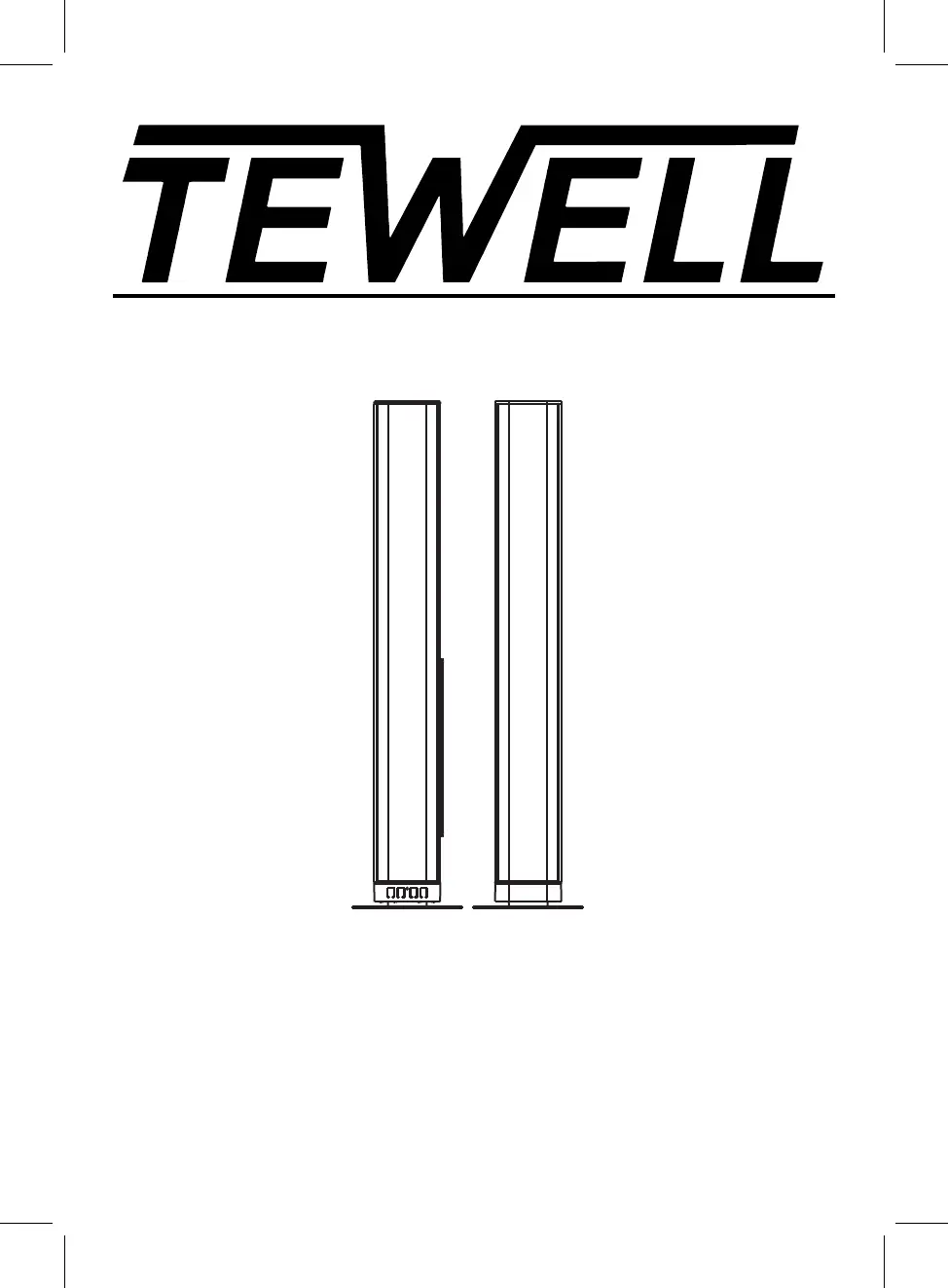
TEWELL T-232 - User Manual

TEWELL T-232
22 pages
Print Icon
To Next Page IconTo Next Page
Loading...
Please read this instruction manual carefully and keep it for future reference
MODEL:T-232
37" Bluetooth Soundbar Speaker

Questions and Answers

Summary

IMPORTANT SAFETY INSTRUCTIONS

Safety Warnings and Precautions

Covers cautions, dangers, and general warnings for safe operation.

FCC Compliance Information

Details device compliance with FCC rules and potential interference.

Detailed Safety Guidelines

Comprehensive list of numbered safety instructions for product usage.

INSTALLATION

Unit Assembly and Placement

Instructions for connecting units and placing the soundbar for ventilation.

Wall Mounting Procedures

Guides for mounting the soundbar on wooden or brick walls.

Base Installation

Steps for attaching the main and slave units to their bases.

PRODUCT OVERVIEW

Front Panel Controls

Identifies buttons and the remote sensor on the front of the soundbar.

Rear Panel Connections

Lists and explains the various input and output jacks on the rear.

REMOTE CONTROL

Remote Control Layout

Diagram and labels detailing the functions of each button on the remote.

BATTERY INSTALLATION OF REMOTE CONTROL

Battery Installation and Precautions

Steps for inserting batteries and important safety precautions to follow.

Operation Range Notes

Factors affecting the remote control's effective operating range.

GENERAL OPERATION

Powering On and Mode Selection

How to turn on the unit and switch between different audio input modes.

Playback and Standby

Controls for volume, mute, EQ, and putting the unit into standby.

BLUETOOTH OPERATION

Pairing and Playback

Steps for pairing a Bluetooth device and controlling playback.

Disconnecting Connection

How to disconnect the current Bluetooth pairing.

OPTICAL-IN OPERATION

Connecting and Selecting Optical Input

Connect external devices via optical cable and select the input mode.

Audio Playback Settings

Adjusting audio output and settings for optimal playback.

LINE IN OPERATION

Connecting and Selecting Line-In Input

How to connect audio sources using Line-In jacks and select the mode.

AUX IN OPERATION

Connecting and Selecting Aux-In Input

Connect external audio devices via AUX IN and select the input mode.

HDMI IN OPERATION

Connecting and Selecting HDMI Input

Connect video sources via HDMI and select the input mode.

USB PLAYER OPERATION

Connecting and Playing USB Devices

How to connect USB storage and play media files.

TROUBLESHOOTING

Common Issues and Solutions

Addresses common problems like no power, sound issues, and remote control failures.

SPECIFICATIONS

Technical Specifications

Details power input, output, audio output, and working ranges.

Package Contents

Lists all items included in the product package.

TEWELL T-232 Specifications

Power IconPower
power inputAC100~240V, 50/60Hz
power outputDC16V 1.8A
Audio IconAudio
audio output4x7.5W
bluetooth effective working rangeup to 32 feet
remote effective working rangeup to 16 feet