Click on the Windows Icon, (bottom left hand corner of your Computer/Laptop), then click on Control Panel.
from the list of settings, click on Devices and Printers, then click on add a device,
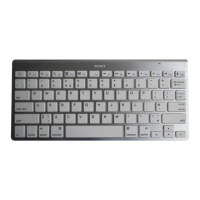
Once it’s found “Bluetooth Keyboard”, click on and add, you made need to enter pin, if required enter the
pin code displayed using the Bluetooth Keyboard. (Please note - the pin code is will be different every time
you connect).


 To Next Page