Bluetooth Keyboard pairing with PC (Windows System)
Before you install the Bluetooth Keyboard, please ensure your computer/laptop supports Bluetooth
Technology 3.0.
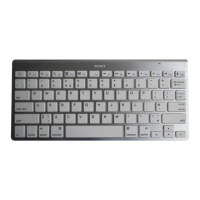
Turn on the power switch located on the back of the Keyboard, see the below diagram. The
Power/Bluetooth indicator will light for 2secs, and then press the connect button. The power/Bluetooth
indicator light will start blinking, now the keyboard is in pairing mode.


 To Next Page