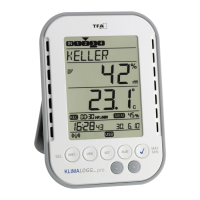
Individual alarm limits for all channels can be set with visual and /
or acoustic alarm
Additional generat of “AlarmEvent” data sets when an alarm is
triggered
Switching output for alarm output to external hardware
Table standing or wall mounting
Including easy-to-use Windows software
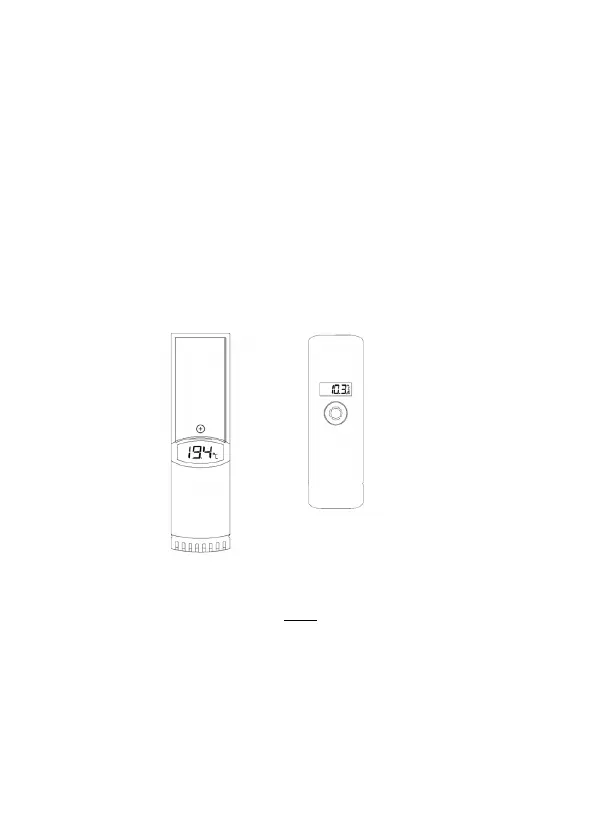
ADDITIONAL TRANSMITTER (purchased separately)
You have the possibility to receive up to eight additional external
transmitters with your KlimaLogg Pro. These are separately available in
specialist shops.
INSTALLATION AND REPLACEMENT OF THE BATTERIES:
Note:
If you have purchased external transmitters, you should insert the
batteries into the transmitters just before into the KlimaLogg Pro. For
more information, please have a look at the chapter “transmitters” of this
manual or refer the instruction manual of the transmitter.
The instrument operates with three 1,5 V batteries Type Mignon AA.
For installation and replacement of the batteries, please follow the steps
below:
Temperature & Humidity
Kat. No.: 30.3180.IT
Temperature with external cable
Kat. No.: 30.3181.IT


 To Next Page