21 20
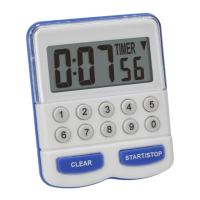
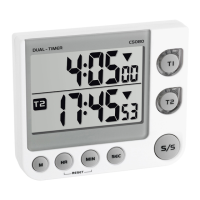
Digital dual timer
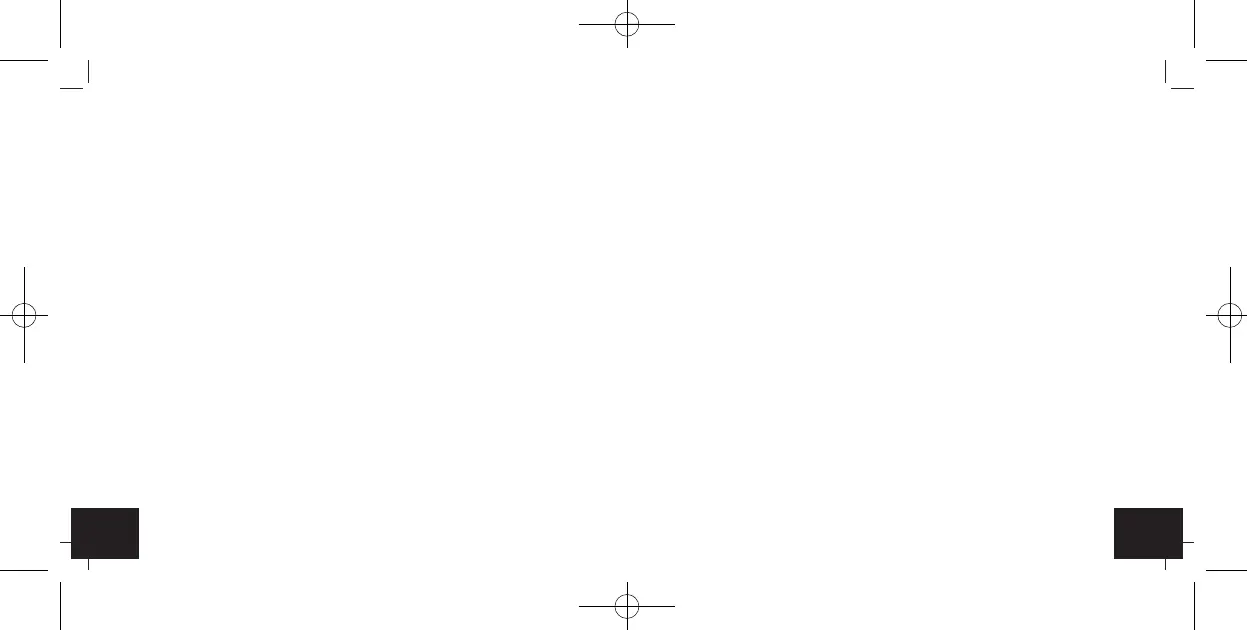
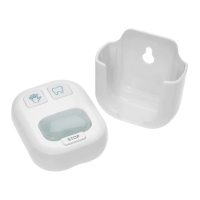
C 3: Wall mounting bracket (fold out)
C 4: Battery compartment
C 5: Stand (fold out)
6. Getting started
• Pull off the protective foil on the display.
• Slide the lid of the battery compartment downwards and insert two
new batteries (2 x 1,5 V AAA), making sure the polarity is correct.
• Place the battery compartment lid on the housing and slide it upwards.
• All LCD segments will light up for about a few seconds
• The unit is ready for use.
• Take out the batteries to shut down the instrument.
7. Operation
7.1 Timer
• Set the time for timer 1.
• Press T 1 button.
• T 1 appears on the upper display.
Digital dual timer
• Push the HR button to set the hours, the MIN button to set the minutes
and the SEC button to set the seconds of the desired time. Press and
hold the buttons in setting mode for fast running.
• ▼ appears on the display.
• Push the S/S button to start the countdown process.
• During the countdown, the symbol is flashing and the T 1 button flash-
es in green.
• Use the S/S button to stop and restart the counting.
• After the countdown the symbol ▲ appears in the display, the alarm
(60 seconds) will sound and the T 1 button flashes in red. Now the
timer will start to count up the elapsed time.
• Press the S/S button to stop the counting and to deactivate the alarm
sound.
• The timer will recall the last selected time automatically.
• Push the HR and MIN button at the same time to reset the timer.
• Set the time for the timer 2 in the same way.
7.2 Memory function
• Press T1 or T2 to select a timer.
TFA_No. 38.2025_Anleit_12_20 15.12.2020 16:57 Uhr Seite 11


 To Next Page