13
Infrared Thermometer Infrared Thermometer
12
• Should the distance be too great, there is a risk that the temperature
has also been taken outside the aimed target.
6.2 Shiny and transparent surfaces
• Not recommended for use in measuring shiny or polished metal sur-
faces (stainless steel, aluminum, etc.). To compensate for this,
cover the surface to be measured with masking tape or flat-colored
paint and measure the surface.
• The unit cannot measure through transparent surfaces such as glass
or plastic. It will measure the surface temperature of the glass
instead.
7. Care and maintenance
• The sensor is the most delicate part of the infrared thermometer.
Please protect the sensor part from dirt. Gently clean it with a soft
cloth moistened with water or medical alcohol.
• Avoid splashes and spills on the unit.
• Store at a temperature of between -20°C to +65°C.
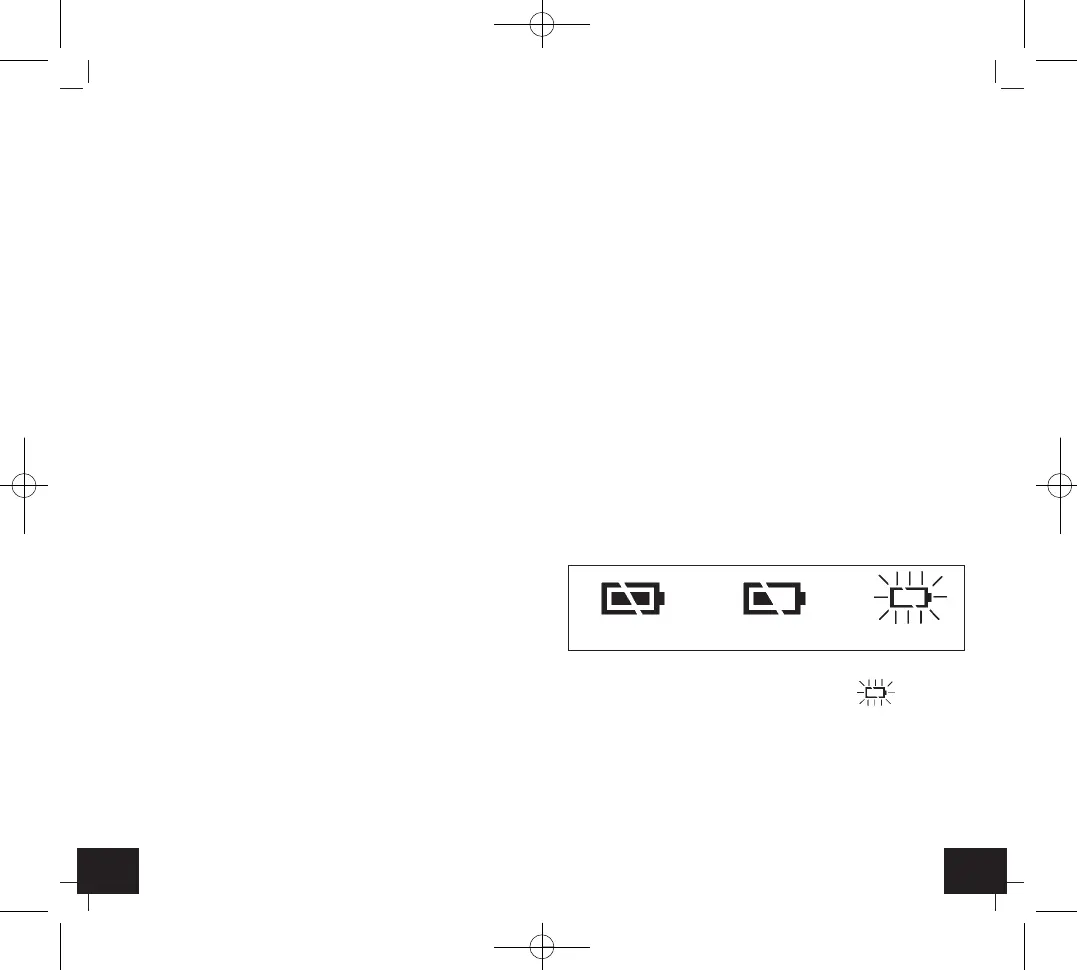
7.1 Battery replacement
• The battery symbol appears permanently on the display.
• Change the batteries when the battery symbol appears on
the display.
• Confirm the unit is powered off before changing battery.
• The battery compartment is in the handle. Slide down the battery
compartment lid. Insert two new batteries 1,5 V AAA. Ensure that
the battery polarity is correct.
• Close the battery compartment again. The cover is properly inserted
in the housing, as soon as a click is heard.
EMC/RFI
• Protect the unit from EMI (Electro Magnetic Interference) from
induction heaters and microwave ovens and Electro Static Dis-
charge. Readings may be affected if the unit is operated within a
radio frequency electromagnetic field strength of approximately 3
volts per meter, but the performance of the instrument will not be
permanently affected.
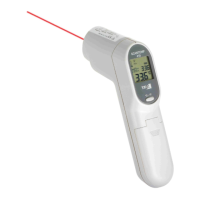
4. Features
• Large LCD-display with backlight
• Indication of measured value and maximum value
• Auto power off after 15 seconds
• Switch °C/°F
• With laser pointer
5. How the unit works
• Every body releases infrared energy. The unit’s optics and detector
sense infrared energy and translate this information into a digital
reading which is displayed.
6. Use (Fig. 1)
• Press and hold the measuring button
➋
to activate the measuring
process.
• The backlight is automatically activated.
• With the laser pointer the measuring point can be focused.
• The measured value and the maximum value (MAX) will be dis-
played during the measurement.
• Release the measuring button
➋
.
• On the display appear HOLD and the latest measured temperature
for about 15 seconds.
• Press the °C/°F button
➊
and you can change between Celsius (°C)
or Fahrenheit (°F) as temperature unit.
• When the instrument is not used, it will automatically switch off
after 15 seconds.
6.1 Distance, Spot Size, and Field of View (Fig. 2)
• As the distance (D) from the object increases, the spot size (S) of
the area measured by the unit becomes larger a ratio D:S = 12:1
(e.g. 120 cm distance = 10 cm spot size). To get the most accurate
temperature reading, aim at the target as near as possible.
full half-full empty
TFA Anl. No. 31.1115_11_23 06.11.2023 11:47 Uhr Seite 7


 To Next Page
 Loading...