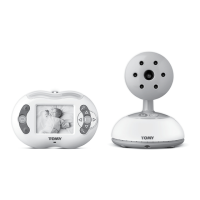
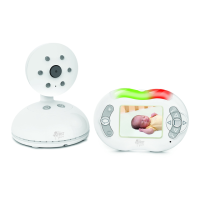
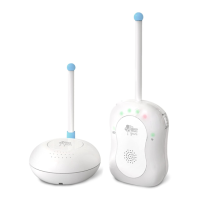
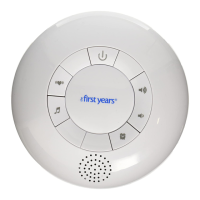
Model: Y7443/Y7444
To
True Choice
™
Digital Monitor
(A100 and A200)
Questions? Comments?
Contact Consumer Care
www.learningcurve.com
800-704-8697
!
Note:
A100 comes with one Child Unit,
one Parent Unit and two AC adaptors.
A200 comes with one Child Unit,
two Parent Units and three AC adaptors.
Except for setting up (and using) the second
Parent Unit, instructions for both models are
the same.
QUICK START INSTRUCTIONS
You’ll find detailed instructions inside.
Please read the safety instructions on page 2.
Set up the Parent Unit(s)
6 For portable use: Install the 3 AAA batteries (not included). Battery
compartment is located on the back of the unit. Loosen screw to release
it, and lift cover off (for easier access, press on top of belt clip to hold it
out of the way). Insert 3 AAA batteries aligning + and – symbols to match
markings in battery box.
Tip: Use Alkaline batteries for longer use.
6 For plug-in use: Connect one of the AC adapters provided
Set up the Child’s Unit
6 Place the Child Unit near your child (within 6 feet, but well beyond child’s reach).
6 Connect the remaining AC adaptor to the unit and plug into wall outlet
To Use:
1 Press and release power button to turn the Child Unit on and wait for connection indicator to blink.
2 Press and release the power button on the side of the Parent Unit to turn it on.
3 Connection indicators on all units should glow blue indicating connection.
4 Press [+] or [-] to adjust volume of Parent Unit(s).
5 Keep the Parent Unit within hearing distance.
Before returning this product to the store for any reason, please contact our
Parent Service Center at 1-800-704-8697 or www.learningcurve.com
Often, we can provide helpful tips and instructions to resolve your problem
quickly over the phone or by e-mail.
A100 Parent Unit
A100_A200 Child Unit
A200 Parent Units
AC jack
adaptor
D
C
6V
WARNING:
Model:Y7443C,Y7444C
Model:Y7443P, Y7444P

 Need help?
 General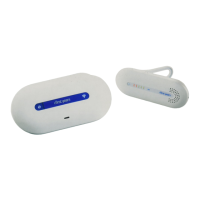

 To Next Page