— E13 —
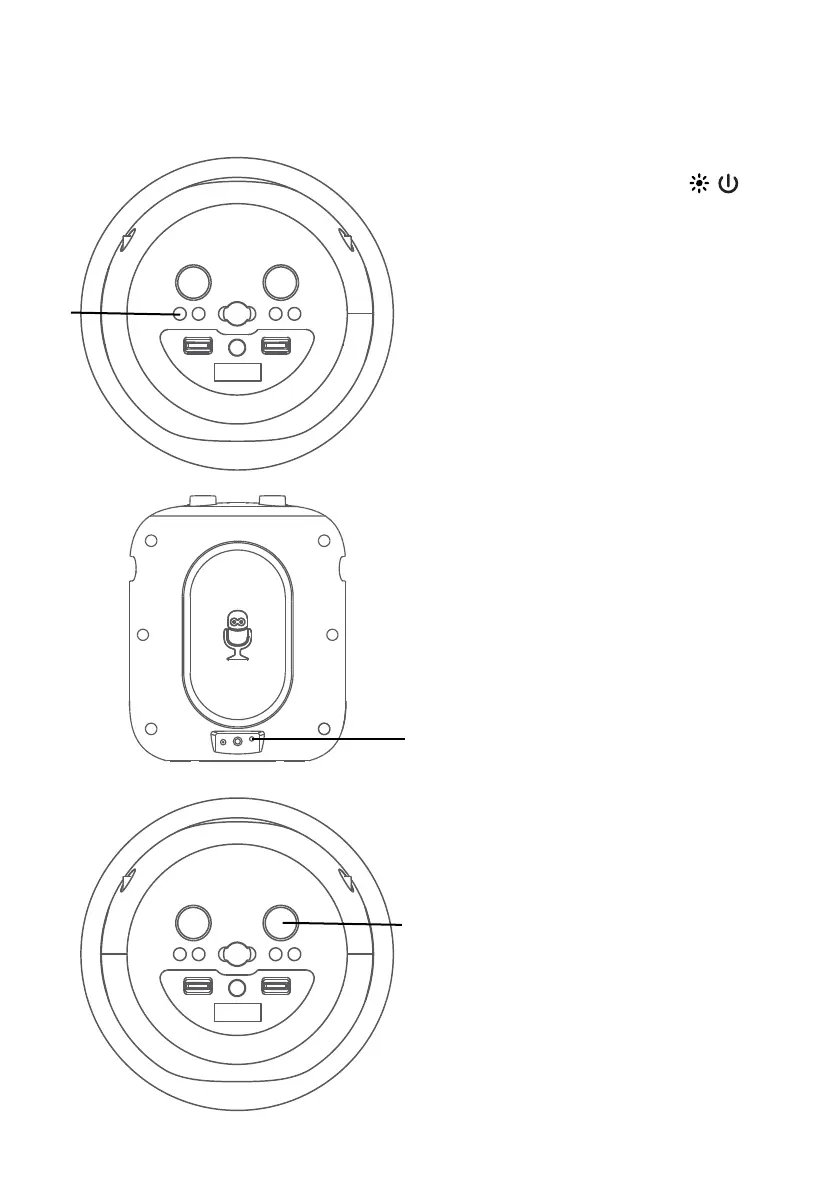
Using the AUX IN Jack
1
Connect the unit as described
previously. Press the /
button to turn the unit on.
2
Connect the external device
by using an appropriate cable
(3.5mm audio cable not included)
to the AUX IN Jack on the rear
of this unit as previous described.
When connected, the Aux
function is automatically selected,
"AUX" will appear in display and
light solid.
NOTES:
• It is highly recommended to set the
volume on the auxiliary unit to 1/3 or
lower to avoid distortion.
• All controlling functions are not possible
on this unit when using an external
device.
3
Adjust the volume to a
comfortable level using the
MUSIC VOLUME control on this
unit or your external device’s
volume control.
Operation
u
v
w



 To Next Page