— E17 —
Operation
Using a Bluetooth Device (Continued)
4
The Bluetooth indicator will light
solid blue and a chime will sound.
Notes:
• If your Bluetooth prompts you for a
passcode during the pairing process,
please enter “0000” to connect.
• On some Bluetooth devices, once pairing
is complete, select your Bluetooth
device as “Use as Audio Device” or
similar.
• If connection is lost after successful
pairing, check to make sure the distance
between speaker and Bluetooth-
enabled device does not exceed 30
feet/10 meters.
5
Start playback of your bluetooth
device. Press the ENTER/
button during playback to pause
the song.
6
Adjust the volume to a
comfortable level using the
MASTER VOLUME control on this
unit as well as the volume on your
Bluetooth device.
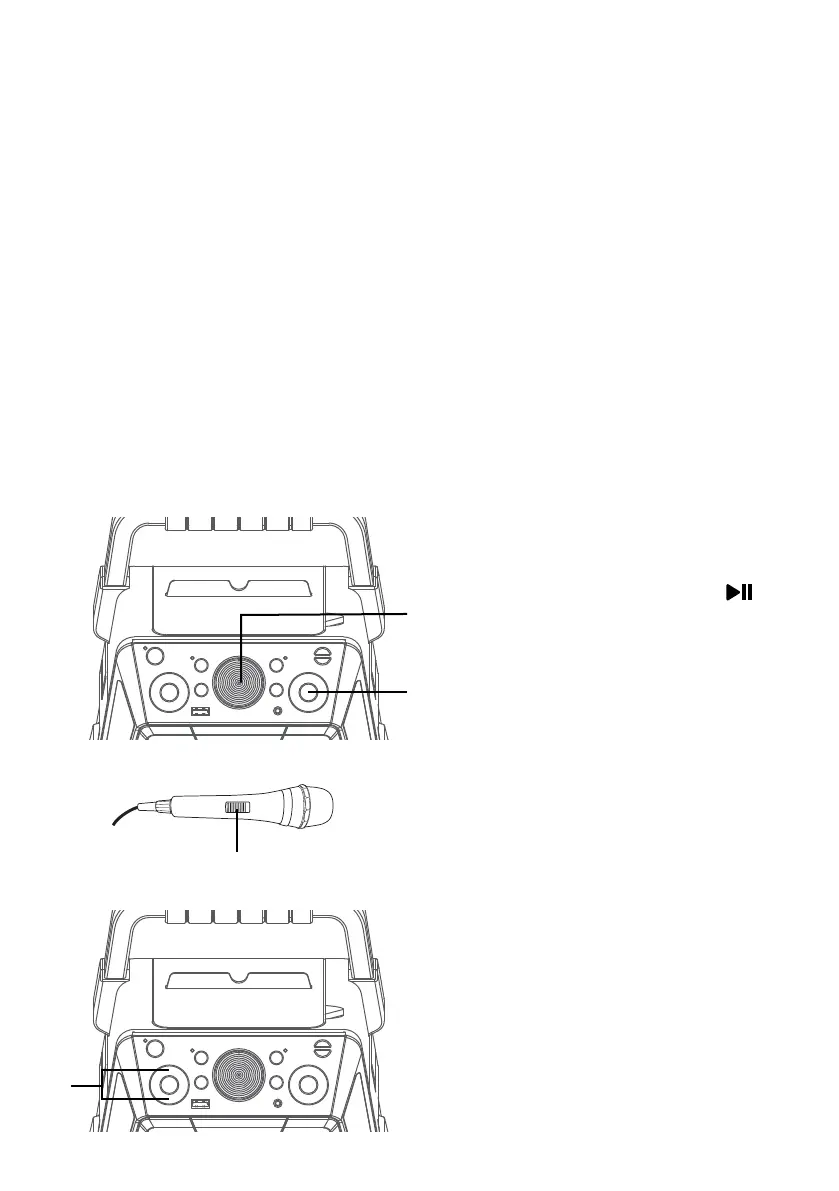
7
Connect microphone(s) and
slide the ON/OFF switch on the
microphone to the ON position.
8
Press the MIC VOLUME + or –
button as desired, which will affect
both microphones.
V
U
y
W















 To Next Page