— E13 —
Playing Songs from the USB (Continued)
Operation
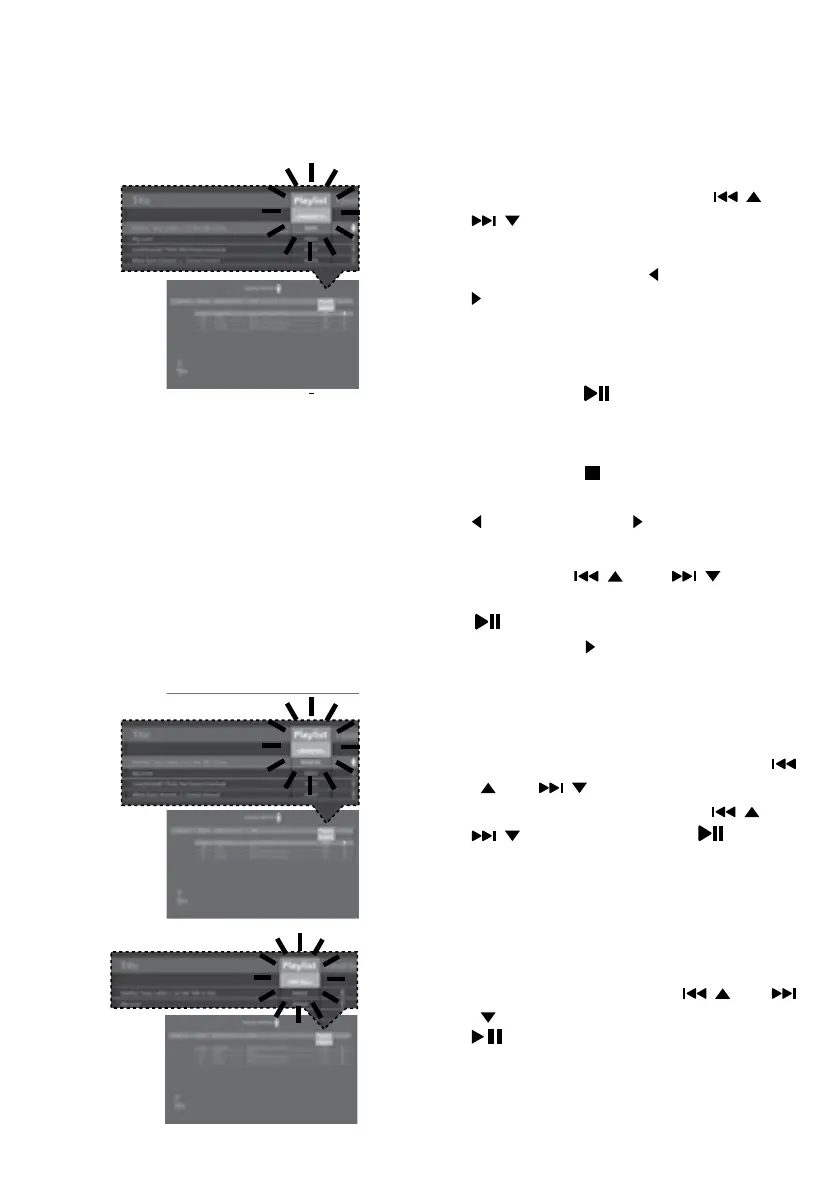
PRIORITY:
a. Select PRIORITY using the / and
/ buttons then navigate down to
the song you want to prioritize.
b. Press the FAVOR/ and PLAYLIST/
buttons and the numbers will change
to 0001, 0002, etc. According to the
numbers displayed the songs will be
listed in that order from top to bottom.
Press the /ENTER button to
confirm.
c. After setting all songs on your priority
list, press the button then the playlist
will be highlighted. Use the FAVOR/
or PLAYLIST/ button selected
PLAYALL.
d. Use the / and / buttons
to select the first song and press the
/ENTER button or press and hold
PLAYLIST/ button to start the
playback of all songs on the play list.
REMOVE: Select REMOVE using the
/ and / buttons and then select
a song to remove using the / and
/ buttons. Press the /ENTER
button; the song will be deleted from
the playlist.
RM ALL: To empty the whole Playlist,
select RM ALL using the / and
/ buttons and then press the ENTER
button; the whole Playlist will be
empty.















 To Next Page