— E14 —
Operation
Playing Songs from the USB (Continued)
16
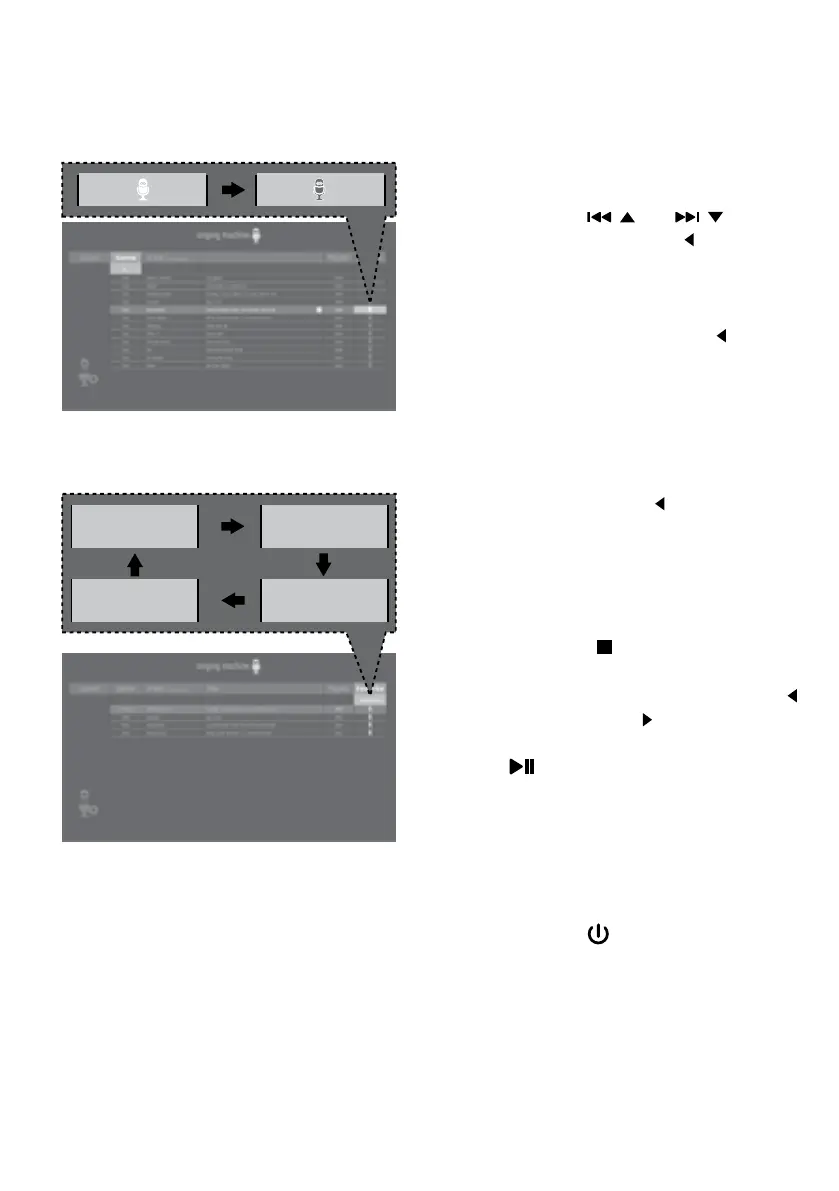
CREATING FAVORITES: To create
a favorite playlist, select a song
using the / and / buttons.
Press the FAVOR/ button to
confirm the operation; the icon will
turn from white to orange. Repeat
this step to add more songs.
Or press the FAVOR/ button
during the playback of the song.
NOTES:
• The Favorites will be stored even if the
unit is reset.
• You can always edit Favorites after you
create it select a song that was added
and press the FAVOR/ button again; it
will change from orange to white.
17
USING THE FAVORITES: To play or
edit your previously created Favorite
playlist. While in the USB menu,
press the button to enter the
search mode. “SEA” will appear in the
display. You can use the FAVOR/
and PLAYLIST/ buttons to select
the FAVORITE tag. Then press the
/ENTER button to show the
favorites list. Perform the same
steps as shown in the USING THE
PLAYLIST section on the previous
page to play and edit the Favorite
playlist.
18
Press the button to turn the unit
off.
<PLAY ALL> <PRIORITY>
<RM ALL> <REMOVE>















 To Next Page