— 11 —
Operation
Playing a CD (Continued)
14
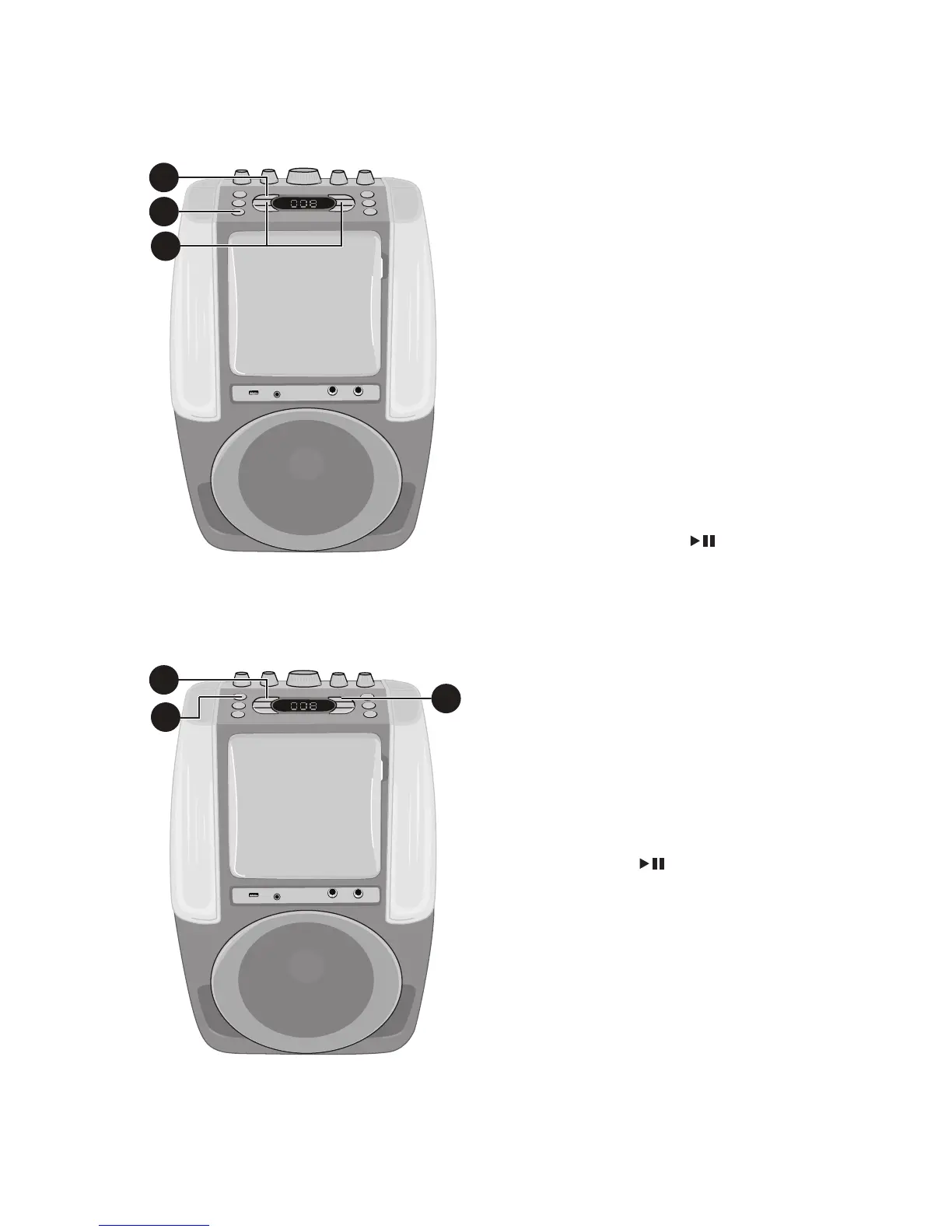
PROGRAM: You can program
up to 20 tracks on any disc for
playback in any desired order.
While in the Stop mode, press the
Repeat/Program button; the
Program indicator will blink and
“01” will appear on the display
indicating the first program is
ready to program. Select the
first track using the Skip Back
9
/Skip Forward
:
buttons.
Press the REPEAT/PROGRAM
button again to confirm the entry.
Repeat to set up to 20 tracks into
memory. When done, press the
Play/Pause button
to start
playback.
Notes:
• Press the Stop button TWICE to stop
and clear the program.
• If more than 20 tracks are attempted
to be programmed, “FUL” will appear in
the display.
15
PAUSE: During playback, if
you wish to pause the disc
momentarily, press the
Play/
Pause
button; the PLAY/
PAUSE indicator will blink. Press
again to resume normal playback.
16
Press the Stop button to stop
playback.
17
Press the POWER ON/OFF
button to turn the unit off.
14
14
14
16
15
17














 To Next Page