— 13 —
Operation
Playing Songs from the USB (Continued)
6
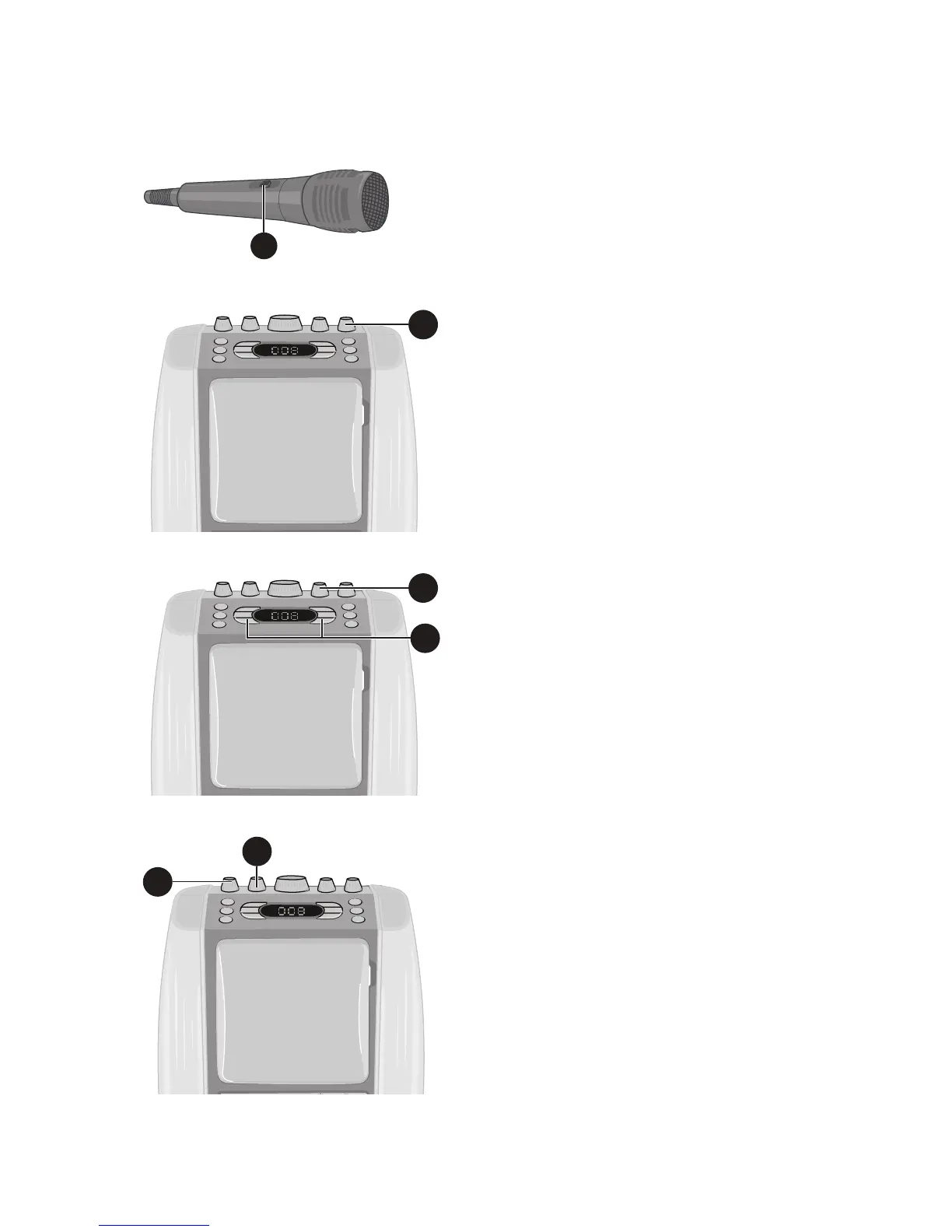
Connect microphone(s) as shown
on page 5, and slide the ON/OFF
switch on the microphone to the ON
position.
7
Adjust the MIC VOLUME control
as desired. Increasing this control
will increase the volume of both
microphones.
8
Rotate the ECHO control to add an echo
effect to your voice. Rotate towards
MAX to increase the echo effect.
9
Adjust the Key for the song using the
Key +/ and Key –/ buttons to
obtain the best key for the singer.
10
AUTO VOICE CONTROL can be
activated by rotating the AVC
(Auto Voice Control.) The higher
this control is set to, the more
the vocals on the multiplex
recording will be muted when
the singer starts to sing through
the microphone. When the singer
stops singing, the vocals will
resume to normal.
Note: This is only for files
recorded with this muliplex
feature.
11
Adjust the balance between the
speakers using the BALANCE
control.
6
7
8
9
10
11














 To Next Page