— E8 —
Operation
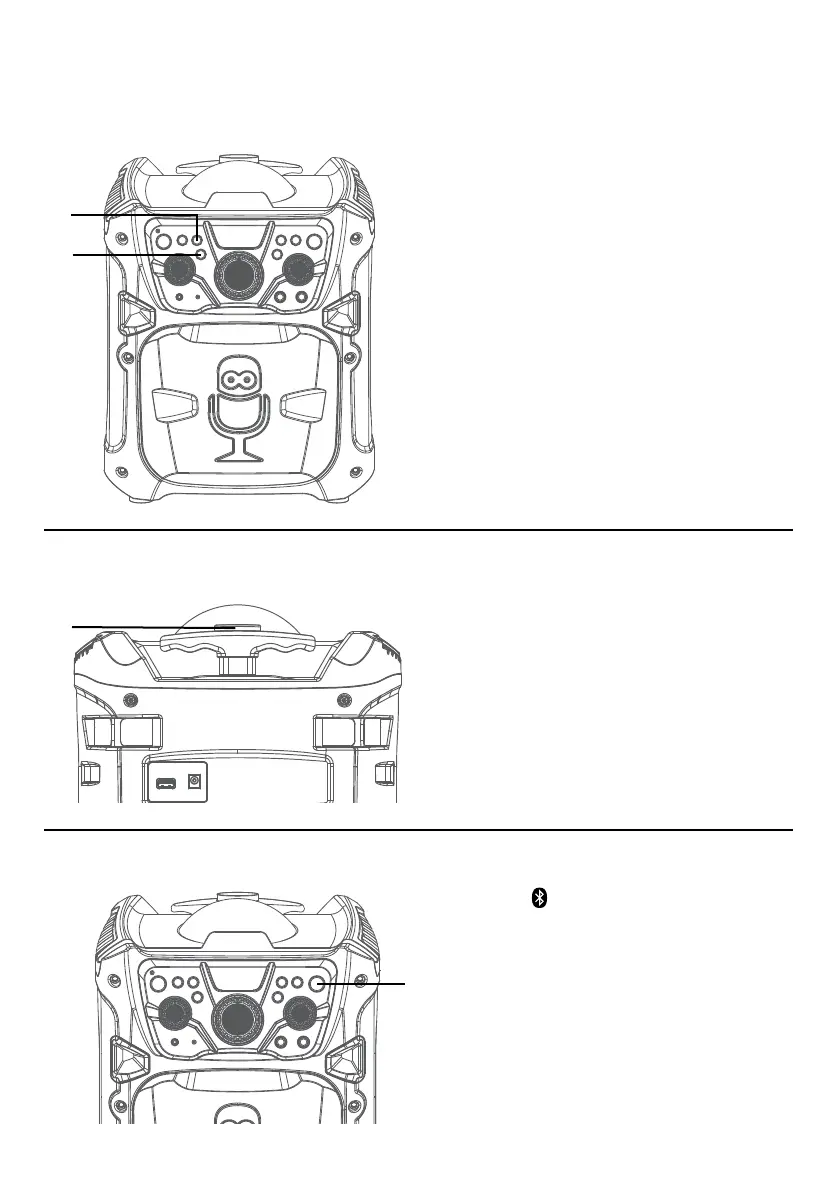
Light Mode
Carrying Handle
1
Press the LIGHTS button the unit
will synchronize to the music being
played. Press again to turn off the
lights.
2
This unit also comes with a Disco
Ball feature. Press the DISCO BALL
button to turn the lights on and they
will illuminate onto the ceiling.
To extend the Adjustable Handle, simply
press the Handle Release
u
and extend
the Adjustable Handle as desired.
To slide the Adjustable Handle back, press
the Handle Release again and slide it
downward.
u
u
v
Press the button to easily set the
machine into pairing mode.
u
Bluetooth Mode














 To Next Page