— E15 —
Using the AUX IN Jack (Continued)
6
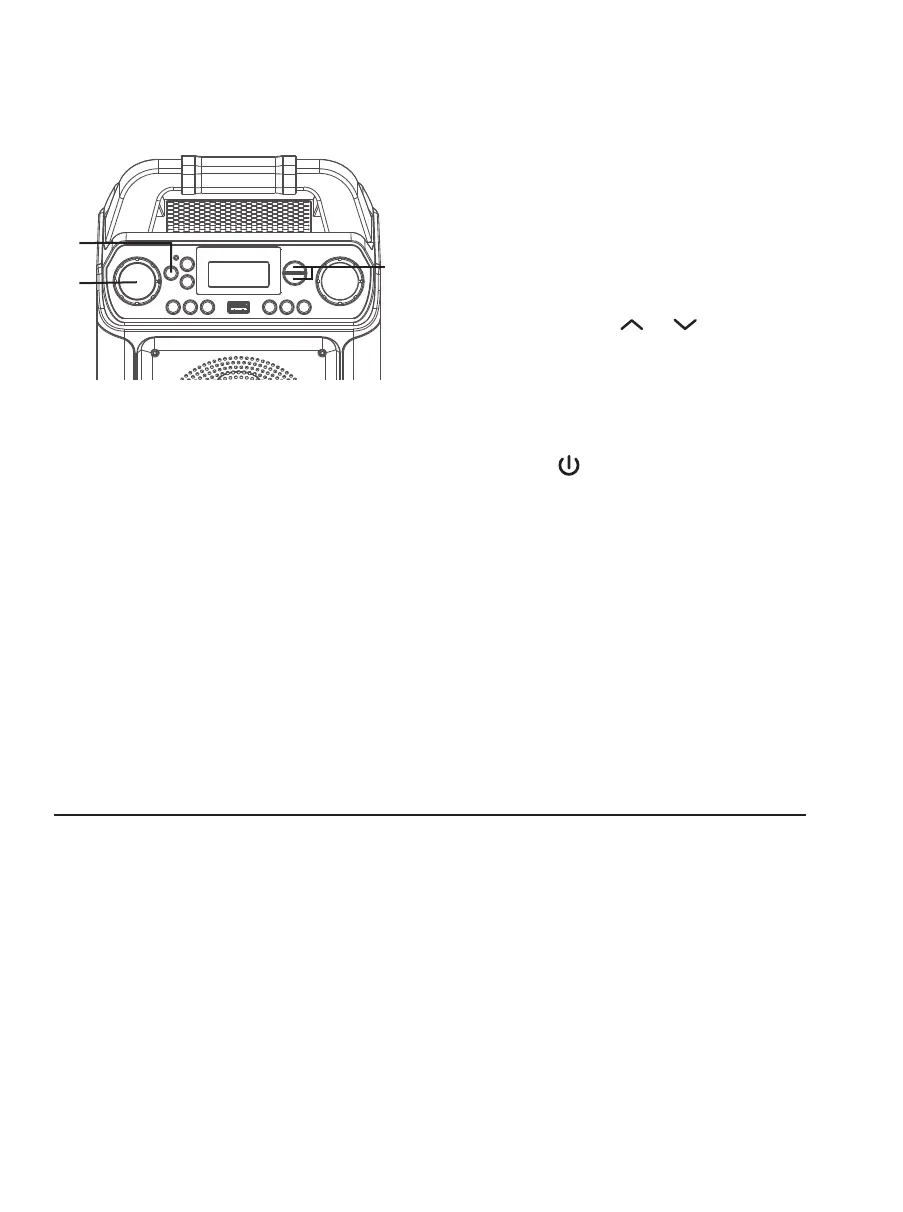
Adjust the MIC VOLUME control
as desired. Increasing this control
will increase the volume of both
microphones.
7
SOUND EFFECT: Repeatedly press the
VOICE EFFECTS or buttons
to select from ECHO, FEMALE, MALE,
CHIPMUNK, ROBOT or RADIO vocal
effects. Select NONE to sing without
any voice effect.
8
Press the ON/STANDBY button to
turn the unit off.
U
W
V
Operation
Energy Saving (Auto Power System-APS)
The unit will automatically enter the Standby mode after 15 minutes in the following
situations:
1. The playback of external music player had been stopped but the audio cable is still
plugged into the AUX IN jack;
2. The USB MP3 playback has been stopped.
The unit can be resumed to turn on by pressing the ON/STANDBY button once. APS is for
energy saving purposes.














 To Next Page