— 19 —
Operation
Using the LINE IN Jack (Continued)
6
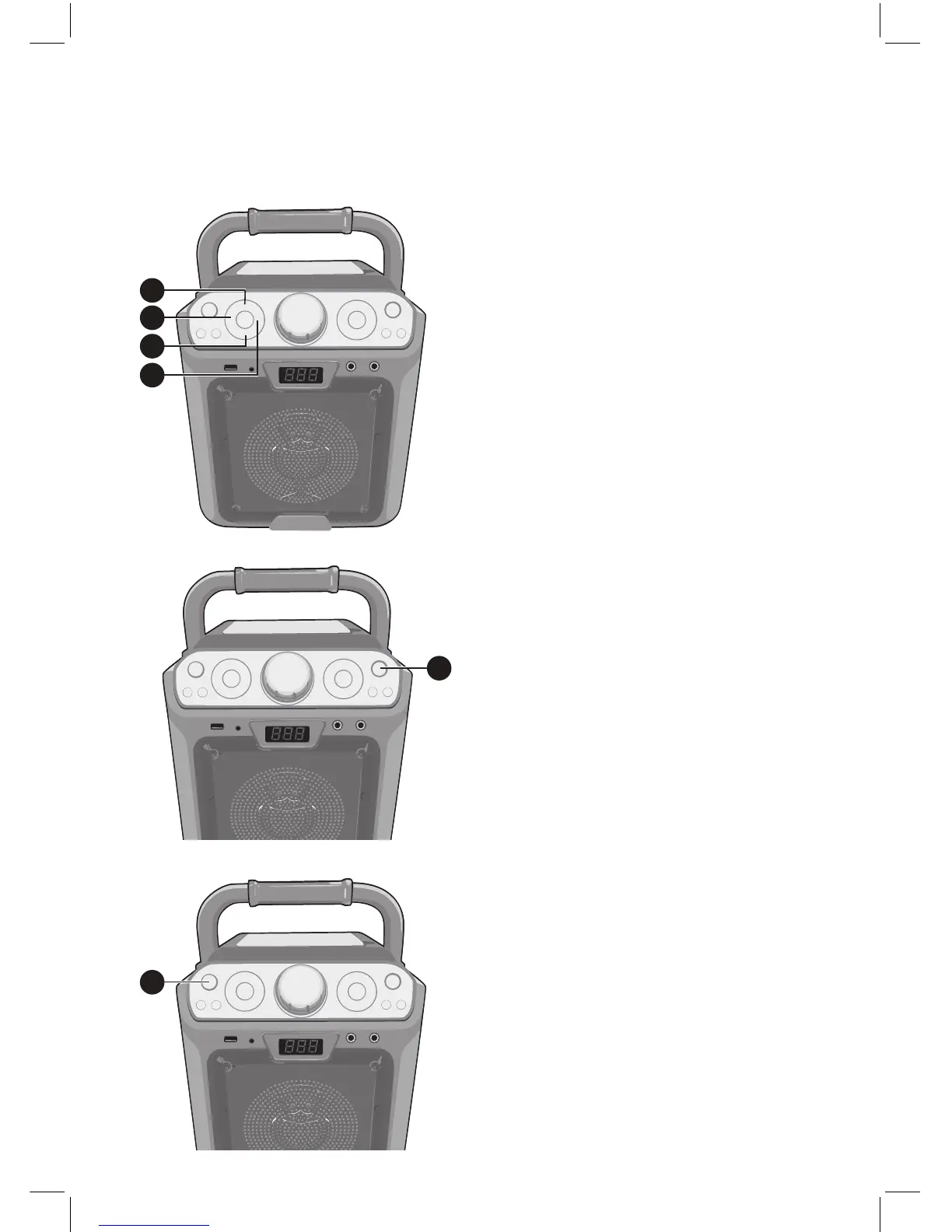
Press the MIC VOLUME + or –button
as desired, which will affect both
microphones.
7
Press the ECHO + or – button
to add
an echo effect to your voice.
8
RECORD YOUR VOCAL
PERFORMANCE:
To record your singing as well as the
music, press the RECORD button.
Recording will begin and the light
around the RECORD button will light
solid.
When done recording, press the
RECORD button again; the light
around the RECORD button will turn
off.
Notes:
• The recorded audio file will record onto
the USB drive.
• See page 12 to play back your
recorded files.
9
Press the ON/OFF button to turn the
unit off.
7
6
7
6
8
9














 To Next Page