EN
Lithium-ion battery
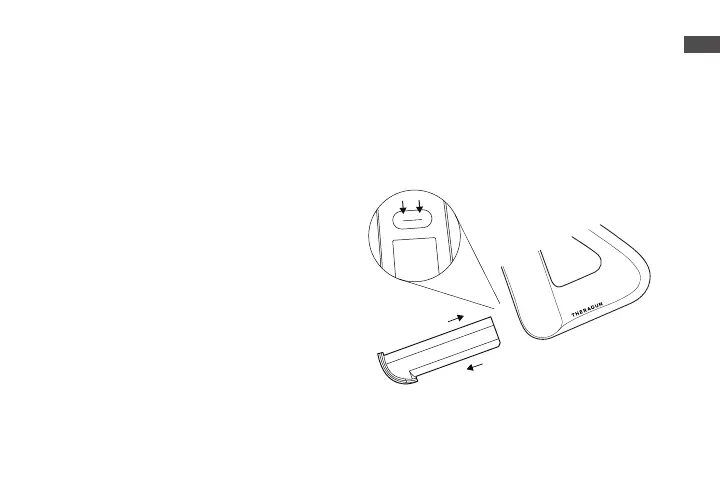
Align and insert the battery in the
battery slot on the underside of the
Theragun PRO with the flat side of
the battery end facing the circular
release button.
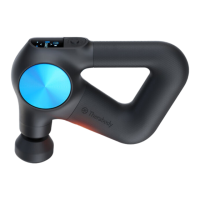
Battery life is displayed on the
Theragun PRO’s OLED screen when
the device is turned on.
To remove the battery, press the
circular release button above the
battery slot and pull the battery out.


 To Next Page