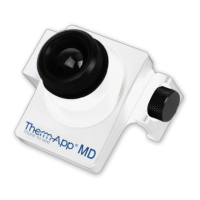
Your Therm-App
®
MD comes with the following items:
• USB-OTG cables
• Quick Start Guide and Warranty
• Single Board Android Computer
Read This First
• The Therm-App MD device should be connected to the single board
computer (SBC) through the USB cable. The application that runs the
Therm-App MD is preinstalled on the SBC.
• Connect the SBC to a monitor through the HDMI plug and a mouse to a
USB plug and run the ThermApp aplication.
• Attach the Therm-App MD a tripod or any other fixed stationary point by a
¼ inch screw.
• Attach the SBC to a fixed location.


 To Next Page