Auto-Off Timer
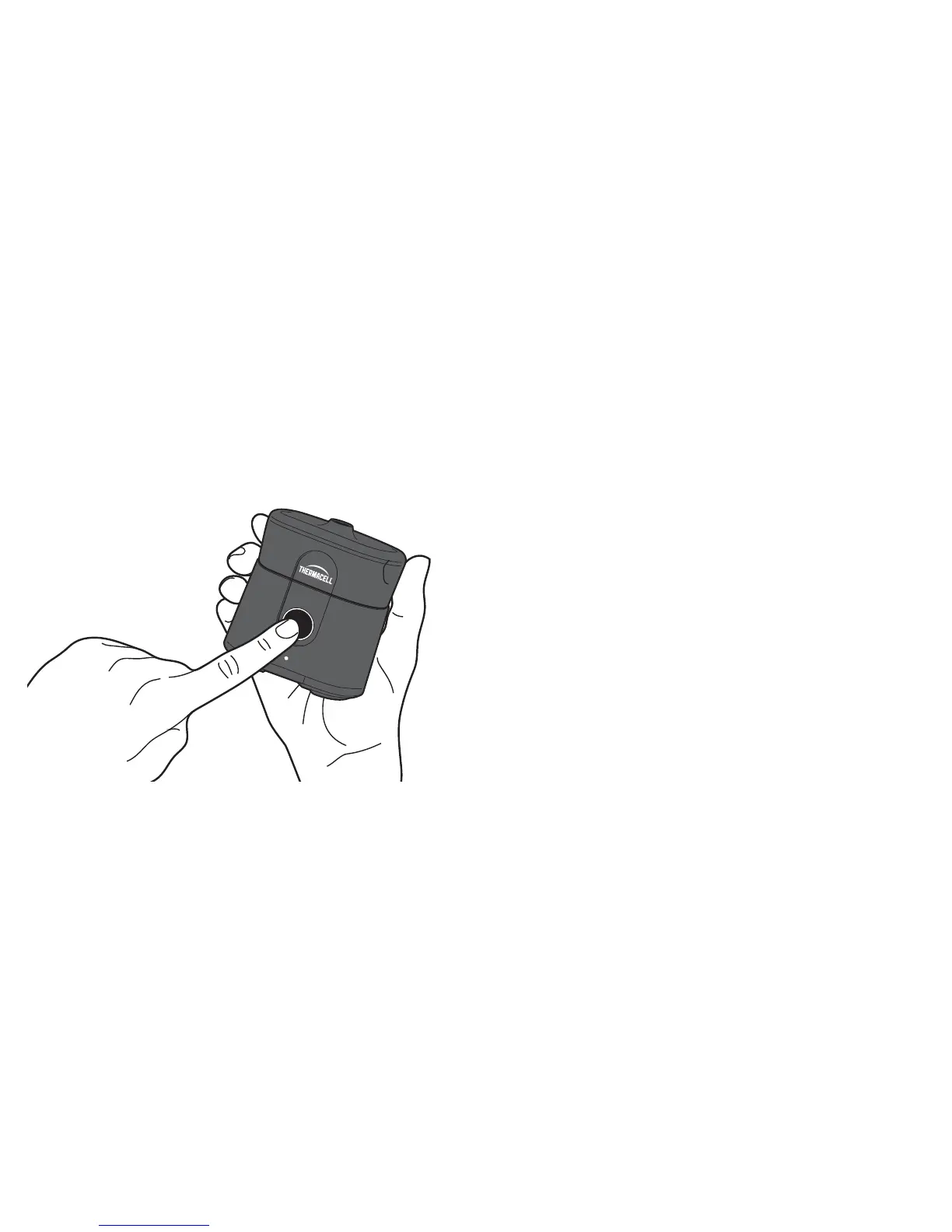
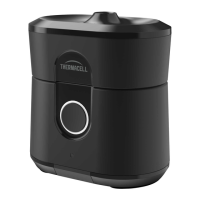
Double click the POWER button to start the timer.
The repeller will automatically turn off in 120 minutes.
Lock/Unlock Repeller
Press and hold the POWER button for 5 seconds to
activate/deactivate LOCK mode.
The POWER button will flash 3 times if pressed while device is
locked, but the repeller will not turn on.
Battery Level check
The battery indicator light will display for 3 seconds when the
repeller is turned on.
Steady White: 3 hours +
Steady Yellow: < 3 hours
Blinking Yellow: < 30 minutes
To turn ON/OFF
Press the POWER button to turn on.
To turn off, press and hold the POWER button for 1 second.
For best results, let
the repeller run for
15 minutes to establish
complete protection.


 To Next Page