Need help?
Do you have a question about the Thermaltake BlacX N0028USU and is the answer not in the manual?
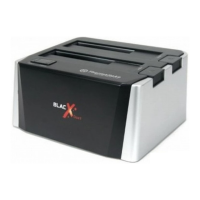
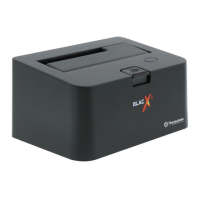
Details the product model number and the SATA to USB 2.0 interface.
Specifies transfer speed, SATA compatibility, and HDD size support.
Lists compatible operating systems for the docking station.
Covers material, power requirements, and physical dimensions.
Instructions for connecting the HDD and power via the top interface.
Details the power switch, DC jack, and USB connection to the PC.
Step-by-step guide for installing a 2.5-inch SATA Hard Drive.
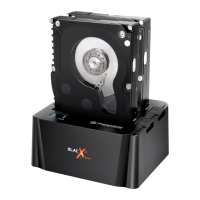
Step-by-step guide for installing a 3.5-inch SATA Hard Drive.
Connect USB 2.0 cable and power cable to the docking station and computer.
Insert SATA HDD, turn on the power switch for automatic OS detection.
Guidance on partitioning, formatting new drives, and seeking technical support.
Details compliance with FCC rules for Class B digital devices.
Details compliance with European Council directives for electromagnetic compatibility.
Provides measures for users to correct potential radio frequency interference.
Warns users about modifications voiding authority to operate the equipment.
 General
| Brand | Thermaltake |
|---|---|
| Model | BlacX N0028USU |
| Type | Docking Station |
| Supported Drives | SATA HDD/SSD |
| Interface | USB 2.0 |
| Hot Swap | Yes |
| Color | Black |
| Material | Plastic |
| Power Source | AC Adapter |
| Supported Drive Size | 2.5", 3.5" |
| Operating System Compatibility | Windows, Mac |
| Included Accessories | USB Cable, Power Adapter |

 To Next Page