EasyManua.ls Logo

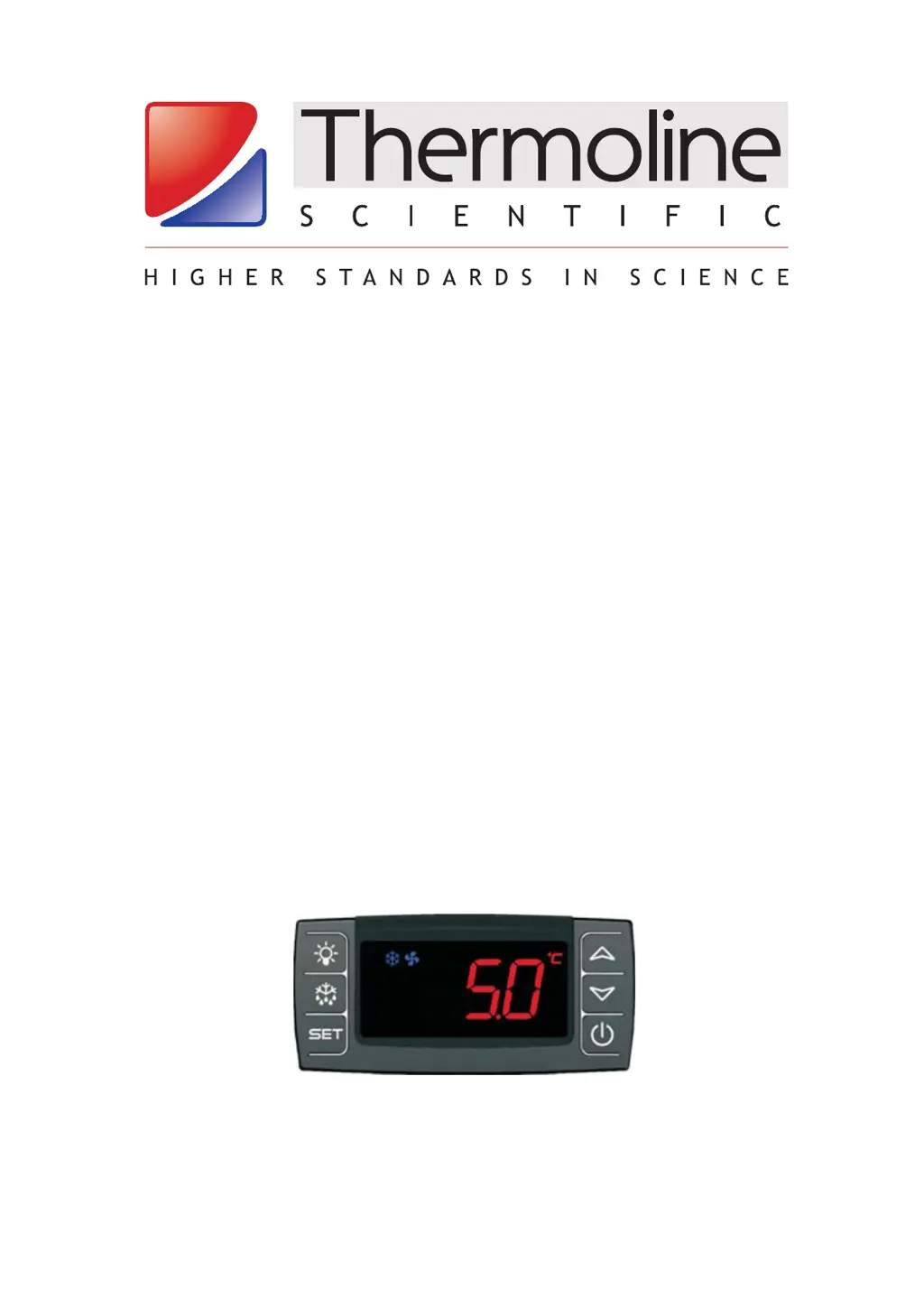
Thermoline Scientific TELR 130 - User Manual

Thermoline Scientific TELR 130
15 pages
Print Icon
To Next Page IconTo Next Page
Loading...
Copyright 2018 Thermoline Scienti c Equipment Pty Ltd
LABORATORY REFRIGERATOR
INSTRUCTION MANUAL
FOR MODELS:
TELR 130/145/200/440/740
TLR 520/750/950/1150
Fitted with Dixell XR70 Controller
REVISION 19/4/2018 (1.5)
1

Questions and Answers

  • J
    Johnny HoganAug 11, 2025
    Why is the temperature of my Thermoline Scientific Laboratory Equipment cabinet too high?
    • A
      Ashley JohnsonAug 11, 2025
      If the temperature of your Thermoline Scientific Laboratory Equipment cabinet is too high, the condenser might be blocked, requiring cleaning. Poor ventilation around the cabinet could also be the cause. In this case, refer to the section on location & installation. Overloading can also lead to high temperature, check for it. Other potential causes include a refrigeration fault or an iced-up evaporator, both of which require a service engineer.
  • M
    Monica PughAug 17, 2025
    What to do if there is water on the door or inside of my Thermoline Scientific TELR 130?
    • S
      Scott Miller MDAug 17, 2025
      If you find water on the door or inside your Thermoline Scientific Laboratory Equipment cabinet, high humidity might be the cause, so try to reduce the ambient humidity. Also, make sure the door closes properly, checking for any obstructions and ensuring the cabinet is level. If the door gasket is split or damaged, you will need to call a service engineer.
  • M
    martinmeganAug 23, 2025
    How to fix a Thermoline Scientific Laboratory Equipment cabinet with no display, fans, or refrigeration?
    • S
      sara76Aug 25, 2025
      If your Thermoline Scientific Laboratory Equipment cabinet is not working, showing no display, and the fans and refrigeration aren't running, it's likely due to a loss of power. Make sure the mains lead is properly plugged in and that the power point is functioning correctly.
  • A
    Angela FowlerAug 29, 2025
    Why is the temperature of my Thermoline Scientific Laboratory Equipment cabinet too low?
    • R
      raymondsloanAug 29, 2025
      If the temperature of your Thermoline Scientific Laboratory Equipment cabinet is too low, it might be because the temperature is set too low. In this case, set the temperature correctly. If that doesn't resolve the issue, it could be a refrigeration control fault, which requires a service engineer.
  • J
    James CollinsSep 3, 2025
    What does it mean if the temperature display on my Thermoline Scientific TELR 130 Laboratory Equipment indicates a “P1”,”P2” or “P3” alarm?
    • L
      Larry RussellSep 3, 2025
      If the temperature display of your Thermoline Scientific Laboratory Equipment indicates a “P1”, “P2”, or “P3” alarm, this indicates a faulty temperature sensor. In this case, call a service engineer.

Overview

This document serves as the instruction manual for Thermoline Laboratory Refrigerators, specifically covering models TELR 130/145/200/440/740 and TLR 520/750/950/1150, which are fitted with the Dixell XR70 Controller.

Function Description

Thermoline Laboratory Refrigerators are designed for the storage of temperature-sensitive products within an adjustable temperature range of +4°C to +10°C. These units are not intended for use as pharmacy or vaccine refrigerators. They maintain consistent internal temperatures through fan-forced air circulation and a hermetically sealed refrigeration unit that uses environmentally friendly refrigerant. The temperature control system monitors product temperature via a sensor located in a bottle, providing a more accurate reading of the workspace temperature.

Important Technical Specifications

  • Models Covered: TELR 130, TELR 145, TELR 200, TELR 440, TELR 740, TLR 520, TLR 750, TLR 950, TLR 1150.
  • Controller: Dixell XR70 Controller.
  • Operating Temperature Range: Adjustable between +4°C and +10°C.
  • Power Supply: Standard 10 amp, 240 volt, 50Hz, general purpose outlet. A dedicated outlet is recommended.
  • Refrigerant: Environmentally friendly refrigerant.
  • High Temperature Alarm: Set at 1°C above the setpoint.
  • Low Temperature Alarm: Set at 1°C below the setpoint.
  • Ventilation Requirements:
    • TELR 130, 145, 200, 440, 740: 100mm (10cm) on each side and the back, 100mm on top.
    • TLR 520, 750, 950, 1150: 100mm (10cm) on each side and the back, 300mm on top.
  • Expected Lifespan: In excess of 5 years with correct maintenance.
  • Refrigerant Charges (134a):
    • TELR 145: 120gm
    • TELR 200: 280gm
    • TELR 440: 360gm
    • TELR 740: 360gm
    • TLR 520: 420gm
    • TLR 750: 420gm
    • TLR 950: 550gm
    • TLR 1150: 550gm

Usage Features

  • Pre-Use Checklist: Before operation, users must ensure the manual is read, packaging is removed, correct ventilation distances are observed, the unit is on level ground, appliance is tested/tagged, BMS is connected (if fitted), a data logger is placed in the cabinet (if used), and the unit is powered on with doors closed for at least 8 hours.
  • Shelf Adjustment: Shelves are supplied fixed but can be adjusted to suit storage needs by moving support clips.
  • Internal Light: The internal light can be turned on using a switch on the front panel.
  • Temperature Control (Dixell XR70):
    • Display: Shows the internal temperature.
    • Setpoint Adjustment: Press and hold the "SET" button for 5 seconds, then use the up or down arrows to adjust the setpoint, and press "SET" again to save.
    • Alarm Mute: Any button can be pressed to mute an audible alarm. Once muted, the alarm will not resound.
  • Temperature Logging: The digital temperature control logs maximum ('Hi') and minimum ('Lo') temperatures attained over a period.
    • View Max Temp: Press and release the "UP" button until 'Hi' appears.
    • Reset Max Temp: Press and hold the "SET" button until 'RST' appears while 'Hi' is displayed.
    • View Min Temp: Press and hold the "DOWN" button until 'Lo' appears.
    • Reset Min Temp: Press and hold the "SET" button until 'RST' appears while 'Lo' is displayed.
  • Alarm System:
    • Visual and Audible Alarms: The display incorporates HI/LO temperature alarms.
    • BMS Connection: A 3-pin socket on the cabinet allows connection to a Building Monitoring System (BMS) or a phone dialer. The alarm contacts are no-voltage.
    • Alarm Conditions: Triggered by loss of power, high temperature (1°C above setpoint), low temperature (1°C below setpoint), probe failures (P1, P2, P4), high/low product temperature (HA, LA), and door open (DA).
    • Alarm Contact Types: Normally Open (closes loop on alarm) and Normally Closed (opens loop on alarm – recommended for detecting any break in the loop).
  • Loading Requirements:
    • Product should be evenly distributed throughout the refrigerator.
    • Leave 1/3 of each shelf level free (3cm front, side, rear, and between products) to allow even airflow.
    • Do not block air vents in the rear panel.
    • Chilling product prior to loading is recommended; if not possible, load a little at a time.
  • Castors: Lockable castors (if fitted) must be locked to prevent accidental movement.
  • Optional Chart Recorder: (If fitted) A circular chart recorder with a seven-day chart and battery backup (24 hours in case of power failure).
    • Setting Time: Unlock door, raise nib, insert coin into spindle slot, turn ANTICLOCKWISE ONLY.
    • Replacing Paper: Raise nib, pull chart edges from under tabs, place new chart over slot, fit outer edges under tabs, lower nib.
  • Optional Low Temperature Protective Cut-out (LTPC): (If fitted) Factory set and non-adjustable, it prevents the temperature from falling below 0°C by turning off the compressor at +1 to +2°C, protecting products like vaccines from freezing.

Maintenance Features

  • General Cleaning:
    • Frequency: As often as required.
    • Method: Use a soft cloth and soapy water for interior, exterior, and door gasket.
    • Avoid: Abrasive cleaners, scouring pads, caustic cleaning agents, and hosing down the refrigerator (to prevent moisture entry into electrical components).
  • Condenser Cleaning:
    • Importance: Critical for correct operation, preventing higher temperatures, increased running costs, and compressor failure.
    • Frequency: At least every 6 months; more frequent in dusty locations.
    • Procedure:
      1. Turn off power at the power point.
      2. Locate condenser (rear for TELR 145; at base with removable cover for TELR 200, 440, 740; at top behind front panel for TLR range).
      3. Remove cover if applicable (unclips from bottom for TELR 200/440/740; push upward and pull away for TLR range).
      4. Use a stiff paint brush to carefully remove dust and dirt build-up from condenser fins, brushing up and down. A vacuum cleaner can assist.
      5. Caution: Condenser fins may be sharp and thin; avoid direct contact and flattening to prevent injury and maintain efficiency.
      6. Replace cover.
  • General Servicing:
    • Frequency: Regular periodic intervals, generally every 6 months.
    • Tasks:
      • Inspect and clean condenser.
      • Check door gasket for damage (splits, tears, or poor sealing).
      • Verify door self-closes when opened to a 90° angle.
  • Calibration:
    • Purpose: Ensures correct product temperature and optimal refrigerator performance.
    • Method: Performed by a trained technician. Access parameters (Ot, OE, o4, dP1, dP2) by pressing and holding "SET" + up arrow.
    • Procedure: Aim for the bottle temperature to be 5°C. A reference sensor is placed in or adjacent to the unit's bottle. The OE parameter (return air sensor offset) is adjusted until the reference sensor reads 5°C. Then, Ot (sensor offset in bottle) is adjusted so that dP1 (display temperature) equals 5°C.

Thermoline Scientific TELR 130 Specifications

General IconGeneral
BrandThermoline Scientific
ModelTELR 130
CategoryLaboratory Equipment
LanguageEnglish