EasyManua.ls Logo

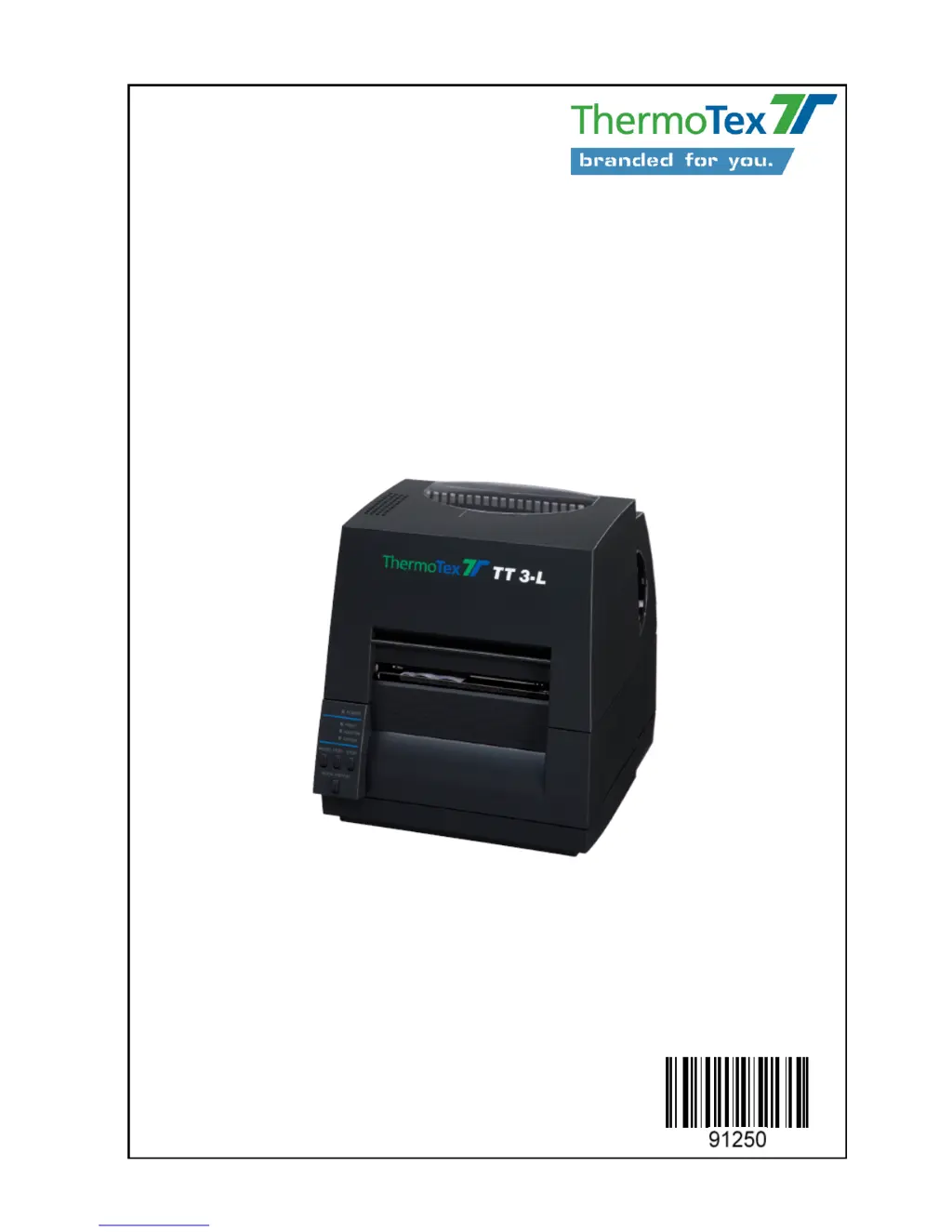
ThermoTex TT3-L - User Manual

ThermoTex TT3-L
22 pages
Print Icon
To Next Page IconTo Next Page
Loading...
ThermoTex Nagel GmbH
Schutterstraße 14, D-77746 Schutterwald
Tel.: +49 (0)781/9616-0, Fax: +49 (0)781/9616-50
info@thermo-tex.de, www.thermo-tex.de
GBTT3LBA.003
Operating manual for
TT3-L
- Translated version of the original operating manual -

Questions and Answers

  • R
    Richard DuranAug 1, 2025
    Why is the print image too pale or too dark on my ThermoTex Label Maker?
    • S
      Sarah HallAug 1, 2025
      If the print image from your ThermoTex Label Maker is too pale or too dark, several factors could be the cause. First, ensure you are using a suitable combination of labels and ink ribbon. Check the settings for label width and thickness, as well as the selected printing mode (thermo direct or thermotransfer). Also, verify the temperature and print speed settings in the application software. Remember, a slower speed typically improves print contrast.
  • B
    Brianna PittmanAug 15, 2025
    How to fix gaps in printing image with ThermoTex Label Maker?
    • M
      morenovalerieAug 16, 2025
      Gaps in the printing image from your ThermoTex Label Maker can occur due to a few reasons. The print head might be soiled, so cleaning it is advisable. Another potential cause is a soiled or damaged printing roller, which should be cleaned or replaced. Lastly, the print head itself might be defective, requiring replacement.

Summary

Product Description

Print Head Properties

Details on the delicate nature and handling precautions for the print head.

Safety Instructions

Owners Duty of Care

Outlines the responsibilities of the printer owner for safe operation.

Safety Measures During Operation

Critical safety guidelines to follow while the printer is in use.

Safety Measures During Maintenance

Safety precautions for performing maintenance and repair work on the printer.

Initial Commissioning

Operation

Printer Set-up Mode

How to enter and navigate the printer's configuration menu.

Sensor Setting and Calibration

Calibrating the printer's sensors for accurate label detection.

Troubleshooting

Fault Messages

Table detailing LED fault displays, causes, and remedies.

Printing Issues

Common printing problems and their solutions.

Cleaning Procedures

Cleaning the Print Head

Detailed procedure for cleaning the sensitive print head.

ThermoTex TT3-L Specifications

General IconGeneral
BrandThermoTex
ModelTT3-L
CategoryLabel Maker
LanguageEnglish