Repair Maintenance
RESETAFS
V10.80 I 70.3MB
Open
RESETBLEED
V10.80 I 97.7MB
Open
RESETBMS
V10.80 I 79.6MB
Open
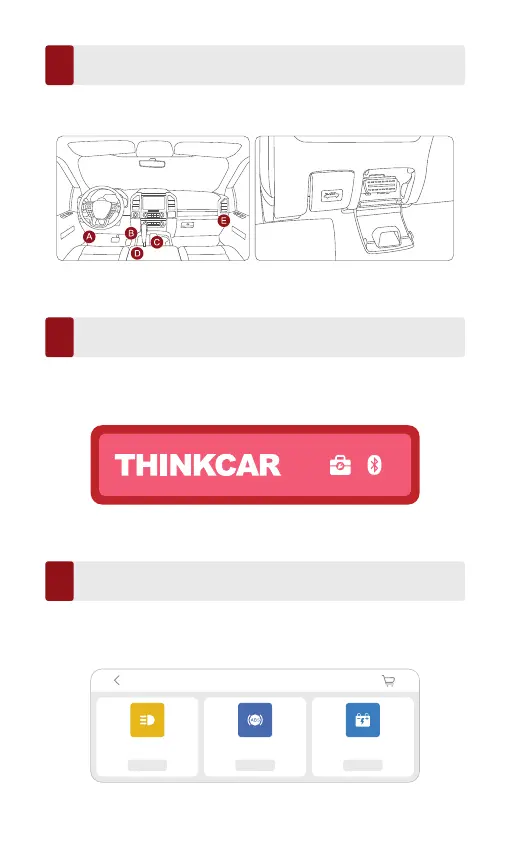
Insert the THINKDIAG 2 into Vehicle’s OBDII Port
4
Connect the App and Device via Bluetooth
5
As shown below, there are 5 common locations for OBDII port. Insert the
THINKDIAG 2, the device is power on if the light turns green.
After inserting the device into vehicle’s OBDII port, open the ThinkDiag+ app
and start the diagnosis. (It will automatically connect with the Bluetooth in
the device during the diagnostic process).
Download the Diagnostic Software
6
THINKDIAG 2 will automatically download the corresponding software for
your vehicle during the diagnostics for the first time. Later, there is no need
to download the software again.



 To Next Page